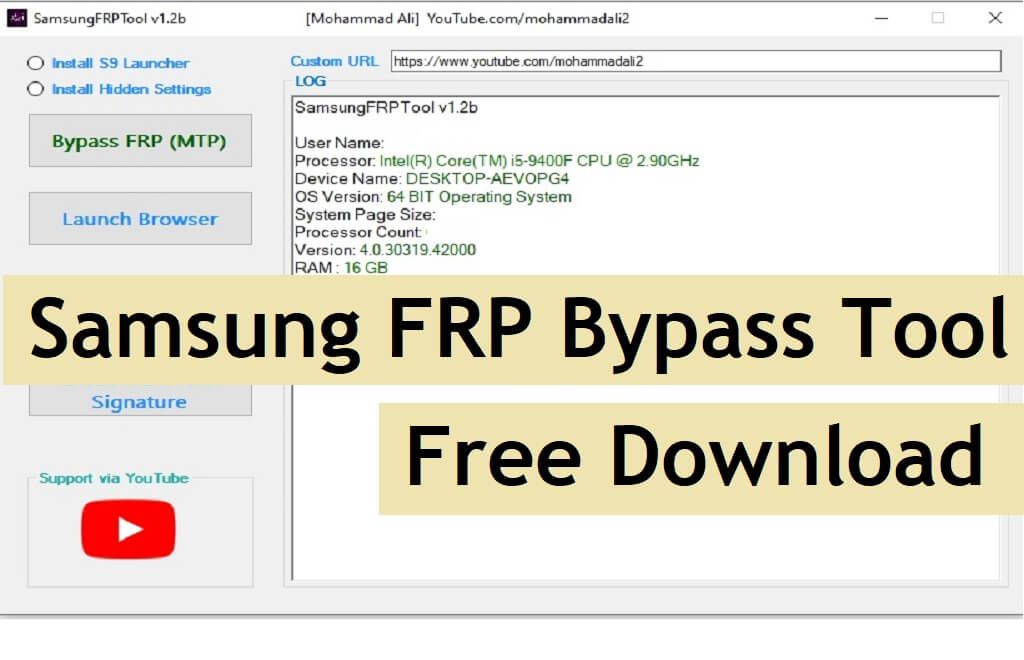
Samsung FRP Bypass Tool is a free simple FRP tool developed by Mohammad Ali, it can disable FRP Google Gmail verification lock on any Samsung galaxy latest Android 12, Android 11, Android 10, 9, 8, 7, 6, models by accessing the web browser, enabling Adb through test & MTP mode. If you want a hassle-free solution to unlock your phone then follow these simple steps and download Mohammad Ali Samsung FRP Tool V1.6 to your computer for free.
You can use the tool-free on any Android phone that runs on Android Lollipop 5.0, Marshmallow 6.0, Pie 9.0, Nougat 7.0, Oreo 8.0, 10 Q, Android 11, and most importantly Android 12 devices.
If you have lost your Google Account credentials after the hard reset then it is possible that you have gotten into difficulties due to the FRP lock on your Samsung Device. Therefore, download this Mohammad Ali Samsung FRP Bypass Tool V1.6 and you’ll be able delete the FRP lock from you Samsung device easily.
The procedure of using the Samsung FRP bypass tool is quite simple, all you have to do is run the tool on your computer, then connect your phone to the computer in MTP Mode and click on Bypass FRP, then enable ADB on your phone and connect again, Click Remove FRP ADB. that’s it.
More: Download Samsung FRP Tool – New Easy Bypass Samsung FRP Tools (2022)
Download Samsung FRP Bypass Tool V1.6 Mohammad Ali Latest
You can easily download the latest version of the Samsung FRP V1.6 Tool from here. It is exclusively available only for the Windows platform.
File Name: FRP_Samsung_MahammadAli.rar
File Size: 68MB
Type:.zip
Compatible: Windows XP, Windows 7, Win 8, Win 8.1, Win 10
PASSWORD- BYPASSFRPFILES.COM
| Latest SamsungFRPToolV1.6 | Download |
| SamsungFRPToolV1.5 | Download |
| SamsungFRPTool_V1.4 | Download |
| SamsungFRPTOOl_V1.2b | Download |
More: Halabtech Tool Free Download – All Huawei/Samsung FRP/Flash/Unlock Tool (All Version)
How to use Samsung FRP Tool V1.6
- Download & extract the Samsung MTP FRP Tool to your computer
- Open the unzipped folder
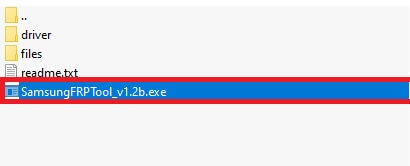
- Run the SamsungFRPTool_v1.6.exe as administrator
- Make Sure: Download & Install Microsoft .NET Framework 4.7.2: Here
- Then Connect your phone to the PC in Normal MTP Mode
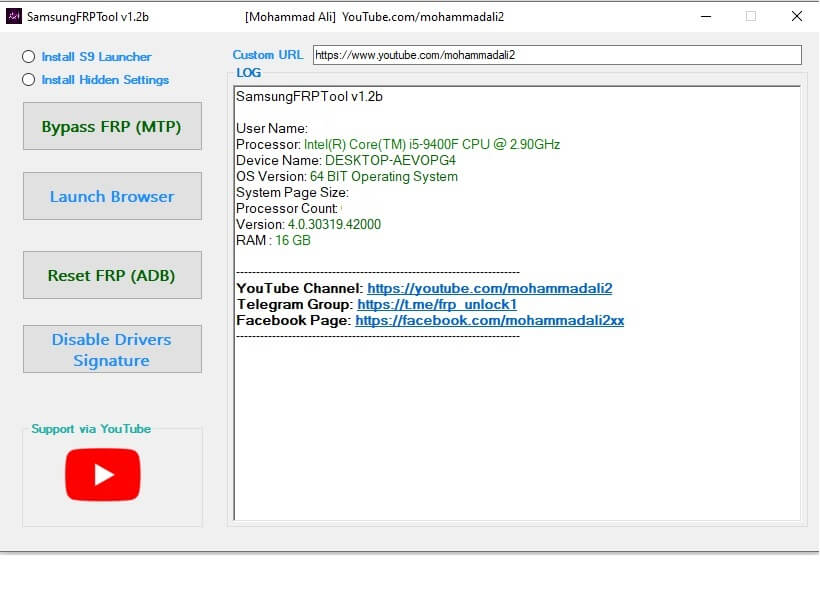
- On the FRP Tool, you will get the below listed options
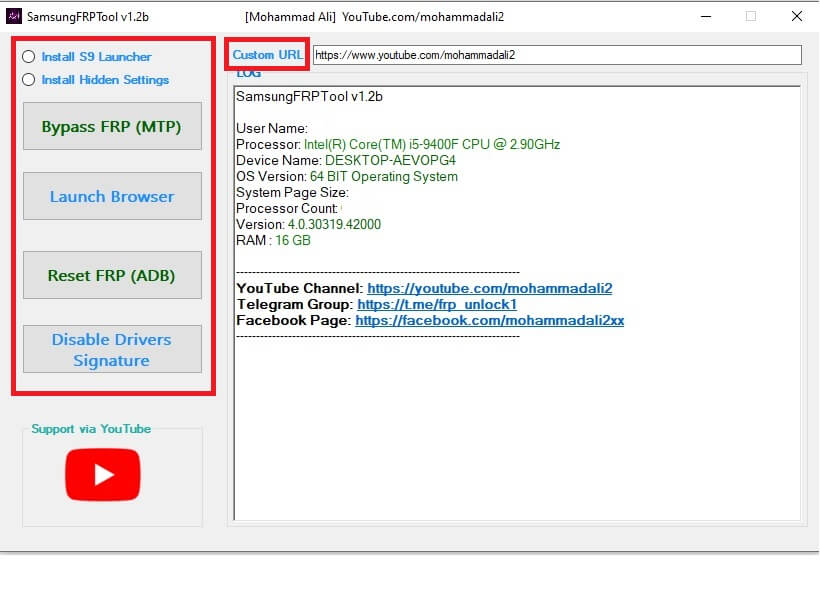
- Alliance X Shield App install (Galaxy Store)
- Install S9 launcher
- Install Hidden Settings
- Custom URL: use https://bypassfrpfiles.com/frp-bypass-apk/
- Bypass FRP (MTP)
- Launcher Browser
- Reset FRP (ADB)
- Enable ADB (VZW)
- Disable Drivers Sinature
- That’s it.
Read More: Halabtech FRP Killer Tool – New Android MTP FRP Tools Free Download

