![Download Octoplus FRP Tool V2.3.8 [Latest Setup] (All Version) - 2023](https://bypassfrpfiles.com/wp-content/uploads/2021/05/Octoplus.jpg)
Octoplus FRP Tool is a specialized program developed to Remove FRP Factory Reset Protection from any Android phone through EDL, Fastboot, ADB, Download, and Meta mode. It requires a hardware dongle to run use it on your PC properly.
In the following topics, I share the URL to download Octoplus FRP Tool Latest Setup v2.4.3 with proper installation and user manual guides to unlock any Android phone for free.
You can use the tool on any Samsung Android phone that runs on Android Lollipop 5.0, Marshmallow 6.0, Pie 9.0, Nougat 7.0, Oreo 8.0, 10 Q, Android 11 & the latest Android 12 version through Samsung MTP mode.
Do check out Free: Samsung FRP Tool – Best FRP Tool to unlock Any Samsung phone
Download Octoplus FRP Tool v2.4.3 Latest Setup All Version
Here, you will get the direct download link to download the octoplus tool v2.4.3 all other versions easily, Also make sure to install the Samsung USB Driver on your computer. The procedure is quite simple, all you have to do is Run the Tool on your computer then connect your Android phone to the computer via USB and click on Unlock FRP, That’s it.
File Name: Octoplus_FRP_Tool_v2.4.3.zip
Size: 3MB
Type: .exe
Compatible OS: Windows 7, Windows 8, Windows 10, Windows 11 with 32&64bit
Developer: Octoplus Team
Whats New
- Updated to the latest v2.4.3 version
- Added “Remove FMM” for Samsung Qualcomm CPU via EDL Mode.
- Added “Reset FRP” for Samsung on Qualcomm CPU via EDL Mode.
- Added “Reset FRP” for ZTE on Qualcomm CPU via EDL Mode.
- Added “Reset FRP” for TCL on Qualcomm CPU via EDL Mode.
- Improvements & bug fixes.
Steps to install
- Download & Extract the Octoplus frp reset tool to your computer.
- Insert the Octoplus Dongle.
- Run setup.exe as Administrator.
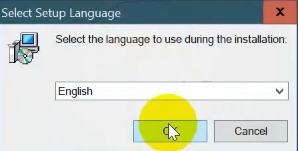
- Choose the Setup Language =>> Tap OK.
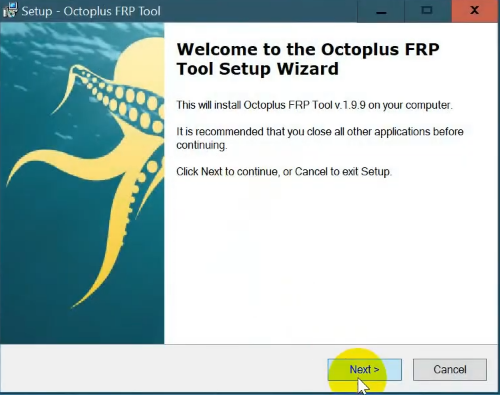
- Tap Next.
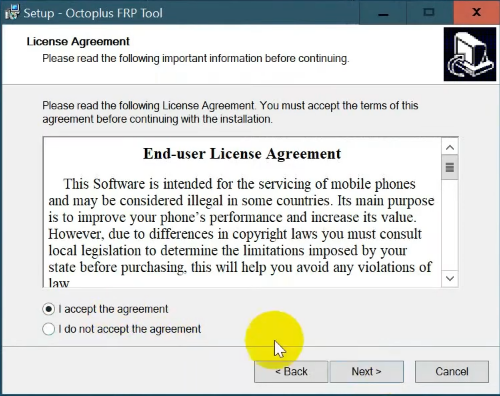
- Select I accept the agreement =>> Tap Next.
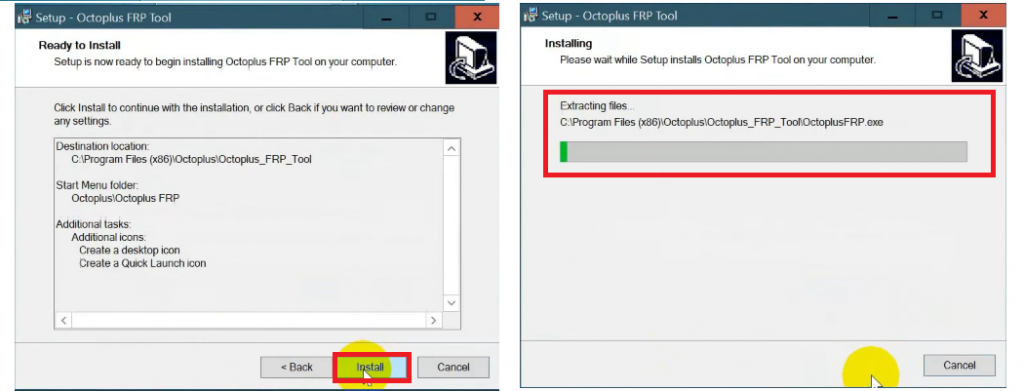
- Tap Next =>> Next =>> Install.
- Wait until the process has finished.
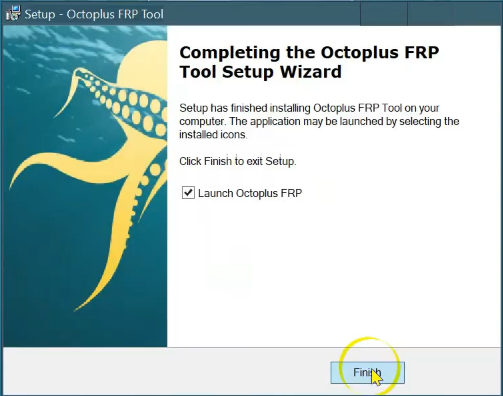
- Tick on Launch Octoplus FRP.
- Then Tap Finish to Close the Setup.
- Wait for a few seconds to launch the tool to your computer.
How to use Octoplus FRP Tool
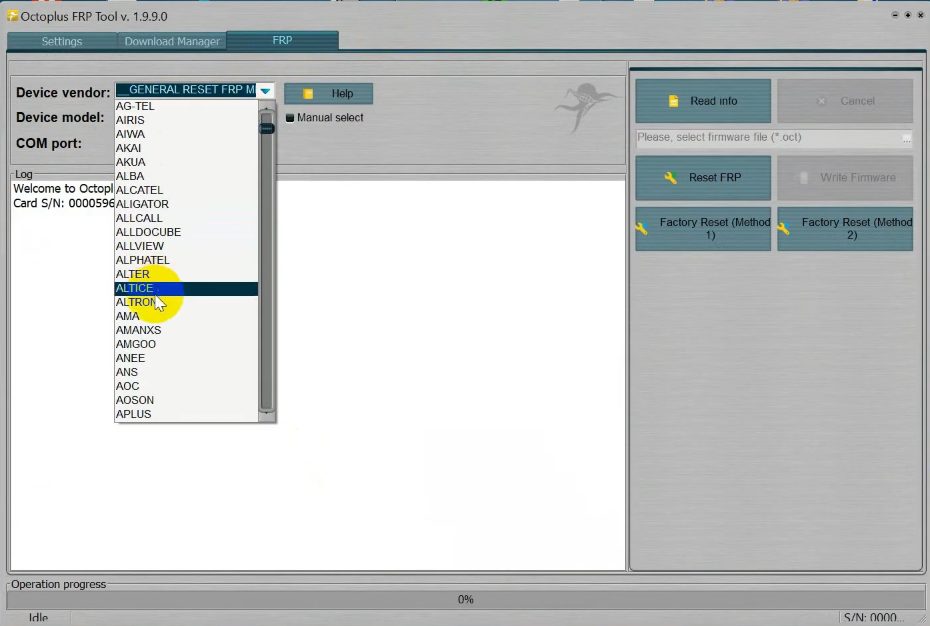
- Now you use the tool for the below-listed functions.
- Go to FRP Tab.
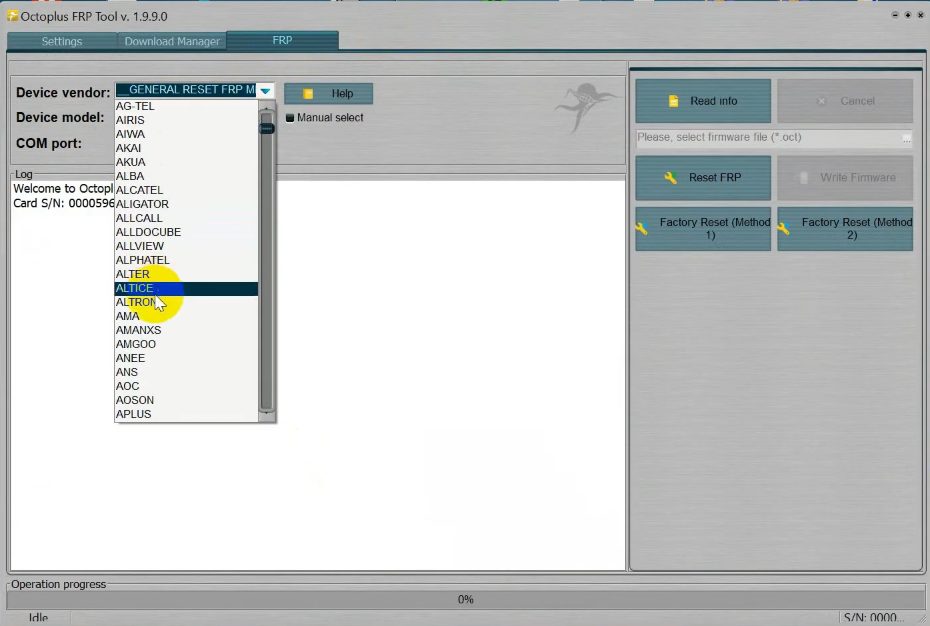
- Select the Device Vendor.
- Device Model Number.
- Comport.
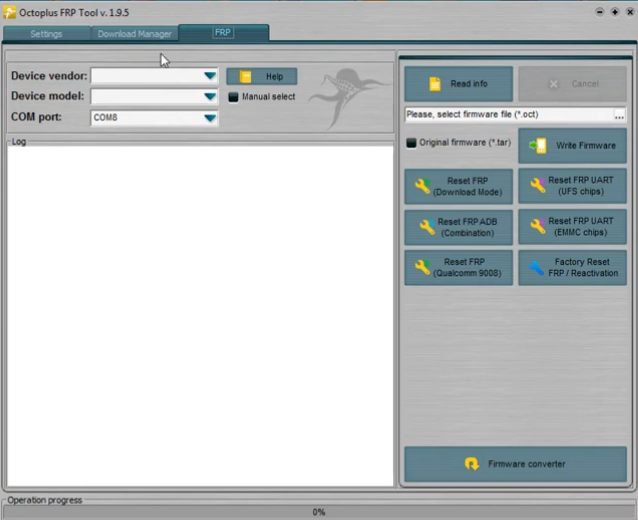
Samsung FRP Functions
- Read Info || Cancel.
- Write Firmware.
- Reset FRP (Download Mode) || Reset FRP UART (UFS Chipsets).
- Reset FRP (Qualcomm 9008) || Factory Reset FRP/Reactivation.
- Reset FRP (ADB) Combination || Reset FRP UART (EMMC Chipsets).
- Firmware Converter.
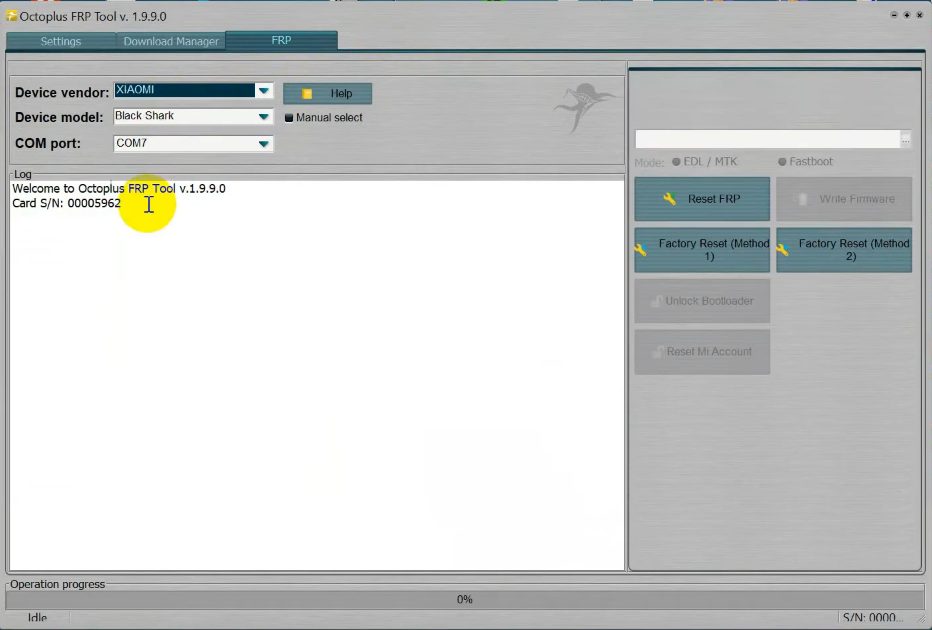
Xiaomi FRP Functions
- Read Info || Cancel.
- Reset FRP || Write Firmware.
- Factory Reset (method 1) || Factory Reset (method 2).
- Unlock Bootloader || Disable Screen Lock.
- Reset MI Account.
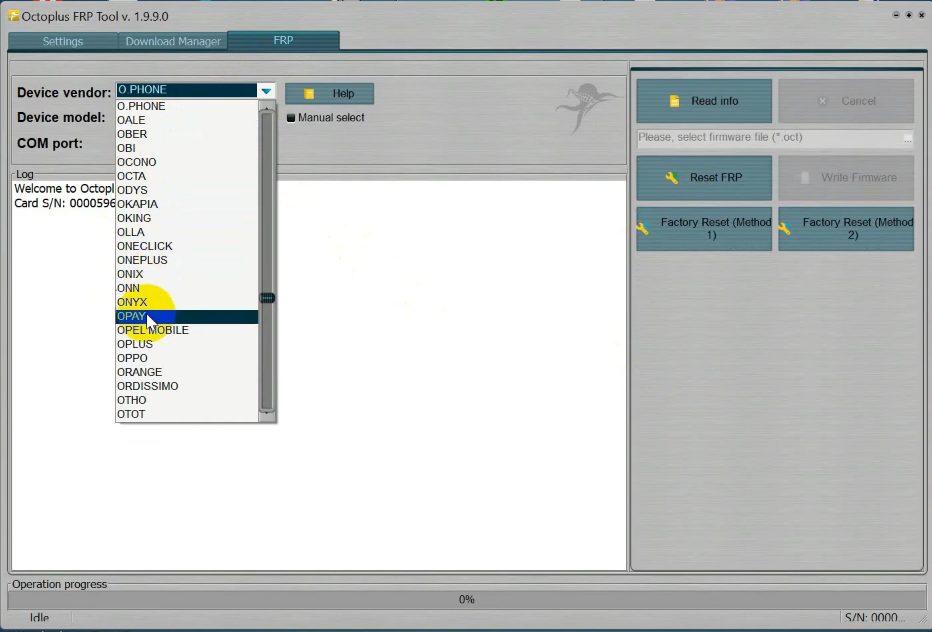
O Phone FRP Functions
- Read Info || Cancel.
- Reset FRP || Write Firmware.
- Factory Reset (method 1) || Factory Reset (method 2).
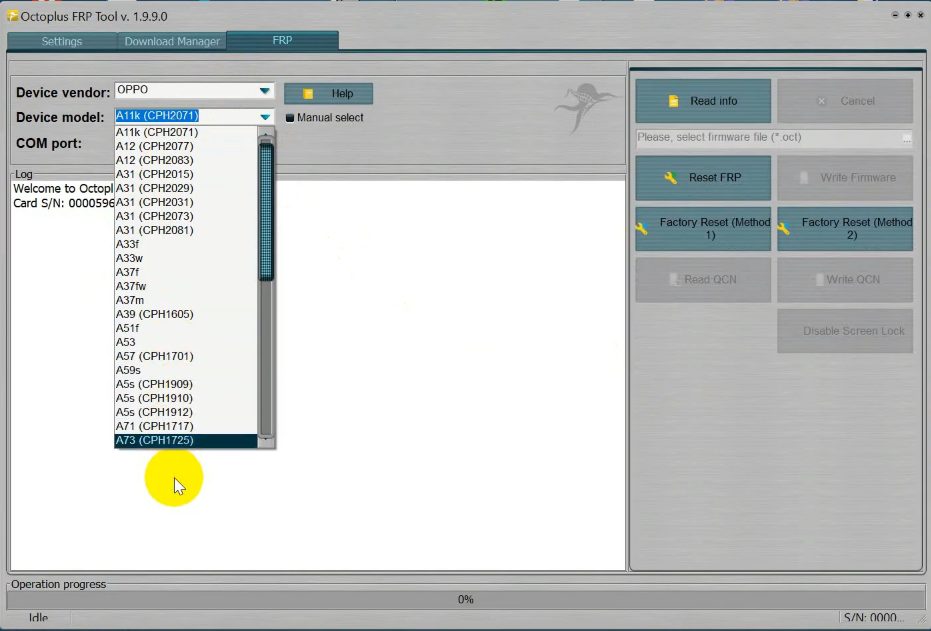
Oppo FRP Functions
- Read Info || Cancel.
- Reset FRP || Write Firmware.
- Factory Reset (method 1) || Factory Reset (method 2).
- Read QCN || Write QCN.
- Disable Screen lock.
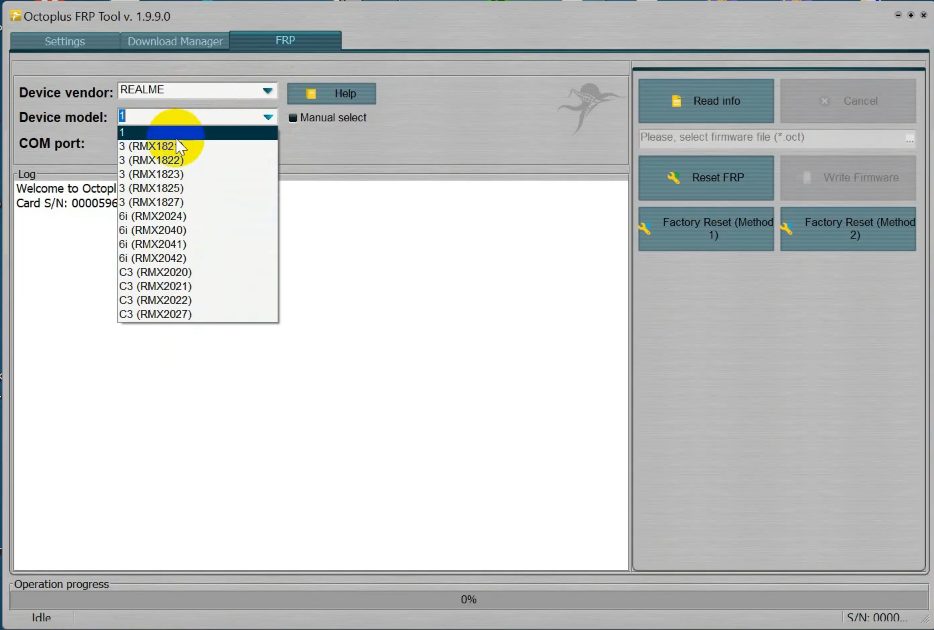
Realme FRP Functions
- Read Info || Cancel.
- Reset FRP || Write Firmware.
- Factory Reset (method 1) || Factory Reset (method 2).
1 Or FRP Functions
- Read Info || Cancel.
- Reset FRP || Write Firmware.
- Factory Reset (method 1) || Factory Reset (method 2).
Vivo FRP Functions
- Read Info || Cancel.
- Reset FRP || Write Firmware.
- Factory Reset (method 1) || Factory Reset (method 2).
Alcatel FRP Functions
- Read Info || Cancel.
- Reset FRP || Write Firmware.
- Factory Reset (method 1) || Factory Reset (method 2).
Read Me:
Google has introduced the FRP on Android 5.1 Lollipop, Marshmallow, Nougat, Pie, Oreo, and 10 Q versions to the higher versions. The FRP (Factory Reset Protection) protects Android users’ personal data and Privacy during thefts. It turns On automatically when you have setup a Google Account on your Android Phone.
If you perform Factory Reset on your phone without removing the Google Account, then you have to log in with the last used Google ID and password, otherwise, it will be stuck at FRP verification screen.
Alternatives: Here, we provided few free & paid alternatives which can helps users to reset FRP lock from any Android phones easily. i.e., ChimeraTool MobileSea Service Tool, Z3x Samsung tool pro, FRP bypass Apk & FRP Bypass Tool.
Read more: UnlockTool Latest Setup Version Free Download | All Android FRP/Factory Reset Tool

