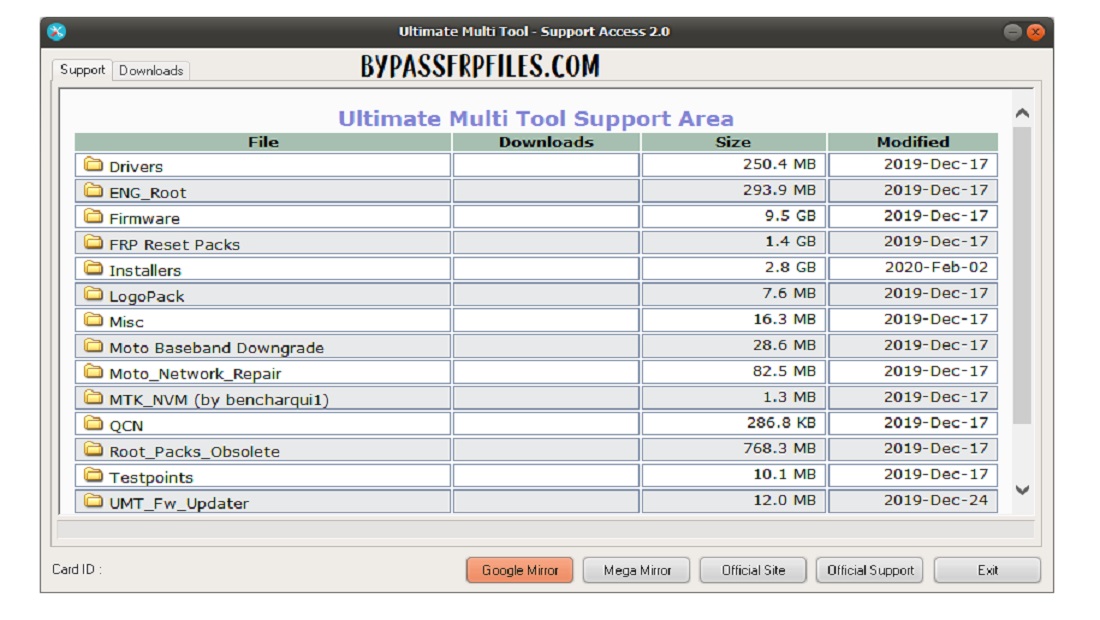
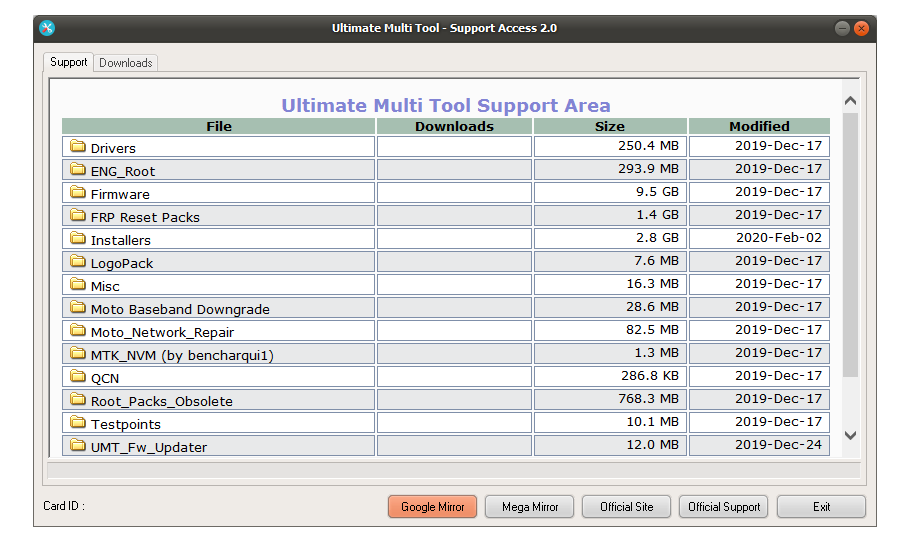
UMT Support Access is a simple service tool for UMT dongle users that lets users download latest UMT setup files, drivers, device Firmware, FRP files, and FW updater tool.
In this article, We share with you the links to download UMT dongle Support Access Tool v2 & V1.0 all versions from here. Also, It is fully compatible with Windows XP, Windows 7, Windows 8, Windows 10, Windows 11, 32, and 62-bit architecture.
The Procedure of using the tool on a computer or laptop is quite easy. Just Download the Support Area Tool and extract it using WinRAR, then install By Click Next => Finish.
Read More: Download Ultimate Multi Tool UMT Latest Setup Update (All Version)
Download UMT Support Access 2.1 Latest 2023 Version
| File Name: | UMT_Support_Access |
| Size | 80MB |
| File Type | exe |
| Discussion | Here |
| Link | Download here |
| UMT All Setup | Download |
All UMT Dongle Products
- Ultimate EMMC Tool
- Ultimate GSM Tool
- UMTV2 Ultimate FRP tool
- UMT LG Tool
- UMT QCFire Tool
- Ultimate MTK Tool
- Ultimate NCK Huawei Flasher
- UMT PRO Ultimate Multi Tool
Read More: UMT QCFire Tool Latest Setup v7.5 – One Click (FRP/Flash/Remove Screen Lock) Tool for Qualcomm
UMT Pro Box Support Access Tool provides users lot of Firmware files, IMEI repair files, Setups, and Drivers folders. Also, In the Setup section, you can get all setups of the UMT Dongle Tool such as UMT MTK Tool, UMT SPD Tool, UMT Qcfire Qualcomm Tool, UMT Moto-Tool, UMT FW Updater tool.
On the Firmware Files section, you will be able to find all device Firmware packages, FRP Reset Files, IMEI repair Files, Root files, Test Points images, and many more. In the 2.1 version, 12 new folders are added for support and Download.
How to use?
- Download UMT Support Access & extract it to your PC
- Then open the UMT tool.
- Run the tool from your desktop shortcut icon.
- Now choose your device model in the Tool and select the downloaded file there.
- Make Sure, you need a stable Internet connection to download the files & setup
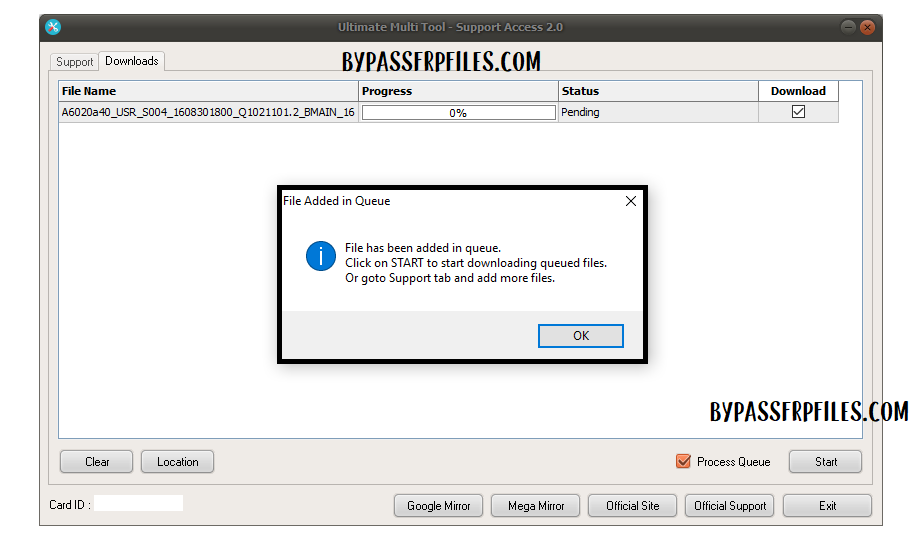
- Click on Any File, It will be added to the Downloads queue list.
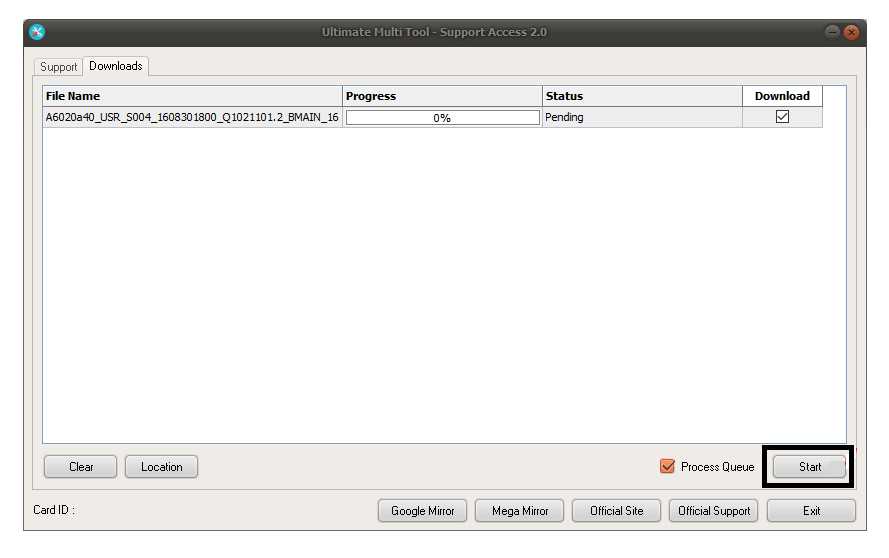
- Then click on the Start button.
- Wait for the finish.
- Once completed then use UMT tools to use the files.
- That’s it.
Read More: UMT UltimateMTK Tool v4.9 Latest Setup – One Click (FRP/Flash/Remove Screen Lock) Tool for MediaTek
I think all of you found the article of use. If you are still stuck between some steps or could not understand anything relating to this topic, you can let us know in the comment section below. we will help you as soon as possible. Don’t forget to share.

