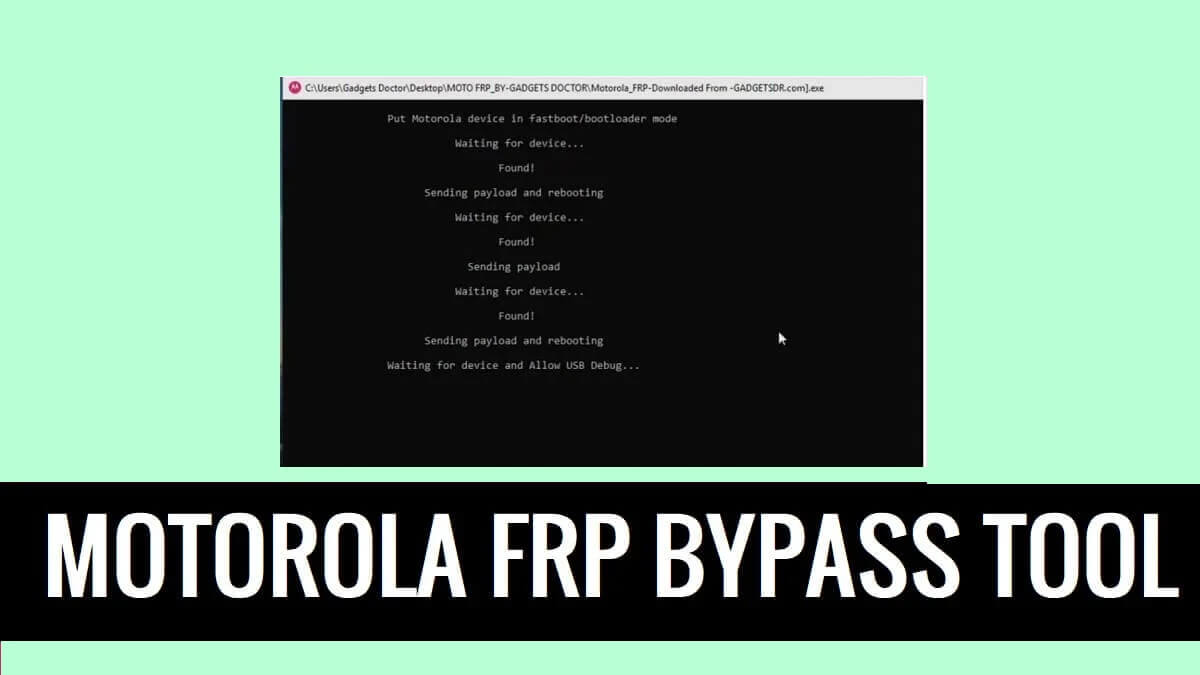
The FRP feature on Motorola Android serves as a additional layer of a security against unauthorized access by a third-party to Motorola Android phones. However, tools like Universal Motorola Moto FRP Tool provide users the ability to unlock the FRP lock on Moto phone through Moto Bootloader (Fastboot) mode.
What is Moto FRP Tool?
Motorola Moto FRP Tool is a reliable & powerful Windows program crafted by IMEI Guru that helps to unlock FRP lock on Motorola phones. Nowadays, Android comes with a security feature that prevents users from using the phone after resetting the device to Factory settings and verifies the last used Google account.
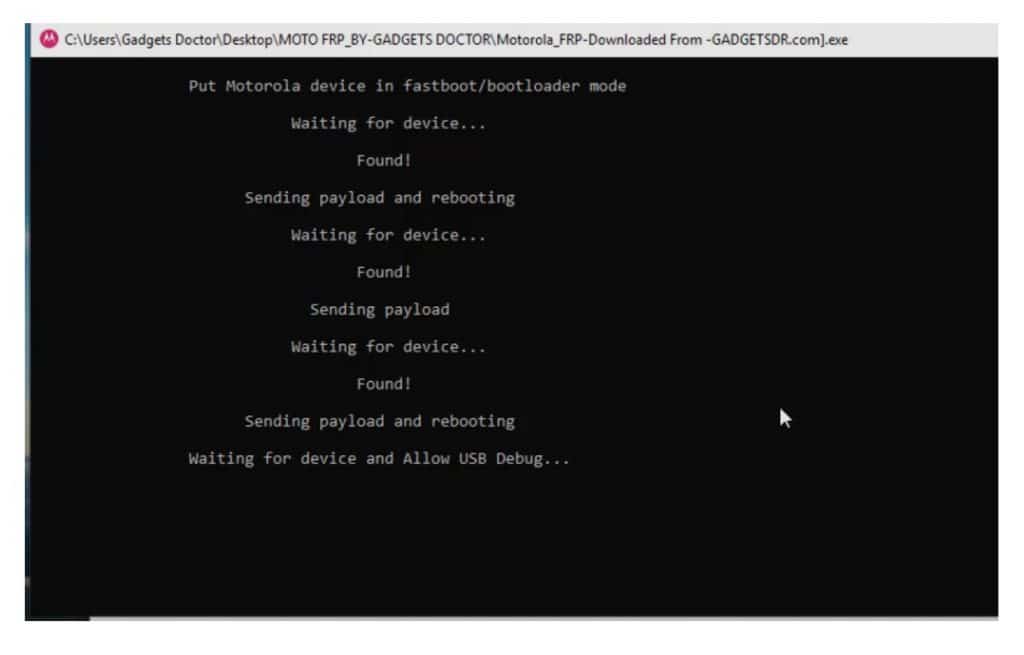
You can use the tool on any Moto phone running on Android Lollipop 5.0, Marshmallow 6.0, Pie 9.0, Nougat 7.0, Oreo 8.0, 10 Q, Android 11 R, Android 12 S, and most importantly Android 13 devices through Fastboot Mode easily.
The procedure for using the Tool is quite simple, all you have to do is Run the tool, then connect your device to the computer, now the tool will detect your phone & shows full reading data of the device & wait for a few minutes, that’s it.
Alternatively, you can explore Motoreaper FRP Tool, it also works similar way to unlock FRP lock from any moto phone by enabling USB debugging mode on the phone. Let’s checkout some best features of it:
Features
Portable Application: Universal Moto FRP comes with portable setup file, So, extract the tool and run the program, that’s it.
Easy to use UI: This is a command-line program so it comes with user friendly interface for both 64-bit and 32-bit Windows OS.
One Click Remove FRP: It is a straight-forward program that comes with an one click operations, all you have to do is click the Remove FRP function and connect your device to PC.
Completely Free: The developer IMEI Guru made it free for everyone, it doesn’t have any hidden cost or anything, you can use it for free for a lifetime.
Also Check: MTK Auth Bypass Tool V124 – MTK Meta Android Utility Tool
Download Universal Motorola FRP Tool Latest Version
Before you start to follow how-to download Moto ADB Tool and use it on your PC. First, you need to know some basics things about the Moto tool and how you can use it:
| Tool Name | Moto_FRP_Tool_BypassFRPfiles.com |
| Type | .exe |
| Compatible | Windows: Vista/ Win 7/ XP/ Win 8/ Win 10 (32bit /64bit) |
| Size | 25MB |
| Developer | IMEI Guru |
| File Password | BYPASSFRPFILES.COM |
| Download | Mega.nz || Userupload |
PROS

=> One Click Remove FRP All Moto
=> Completely free to use
=> Support all latest and old Moto devices,
=> Fastboot Mode Remove FRP
=> Portable Application
CONS

=> Doesn't works on some Moto Android devices
=> Need Windows
=> Doesn't support MAC OS
Supported devices:
Moto G pro, G Plus, G8 Power, Moto G8 Power Lite, Moto E6s, Moto G8, Moto G Power, G Styles, Moto Razr, Moto Hypr, Moto G8 Play, Moto One Macro, Moto E6+, Moto one Action, Moto Zoom, Moto E6, Z4, Moto G7, G7+, G7 Power, G7 Play, Moto One Power, One Play, Moto E5, E5+, G6 Play, P30, Moto G6, G6+, Moto X4, X5, Moto G5, G5s, G5+, Moto E4, E4+, Moto C, C+, G5+, Moto M, Moto G3 Power, Moto Z Play, Moto Z, Moto G Turbo many more.
More: MTK FRP Tool – MediaTek FRP Reset Tool
How To use Moto FRP Tool Fastboot
- Download and install the Moto device manager on your PC.
- Then download & unzip the Moto FRP Bypass Tool.
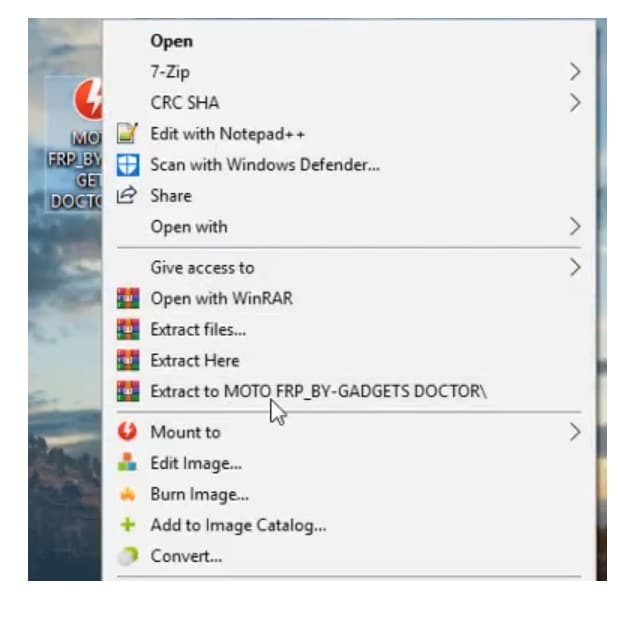
- Run Motorola_FRP_Download_setup.exe.
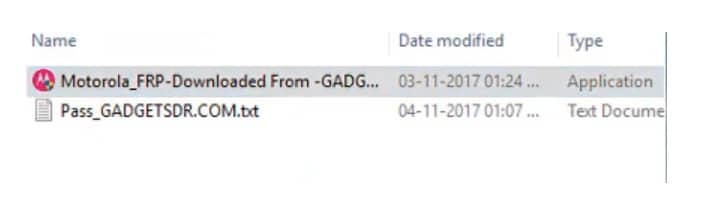
- It will ask you to enter a password.
- Just copy and paste the Password: iguru4life
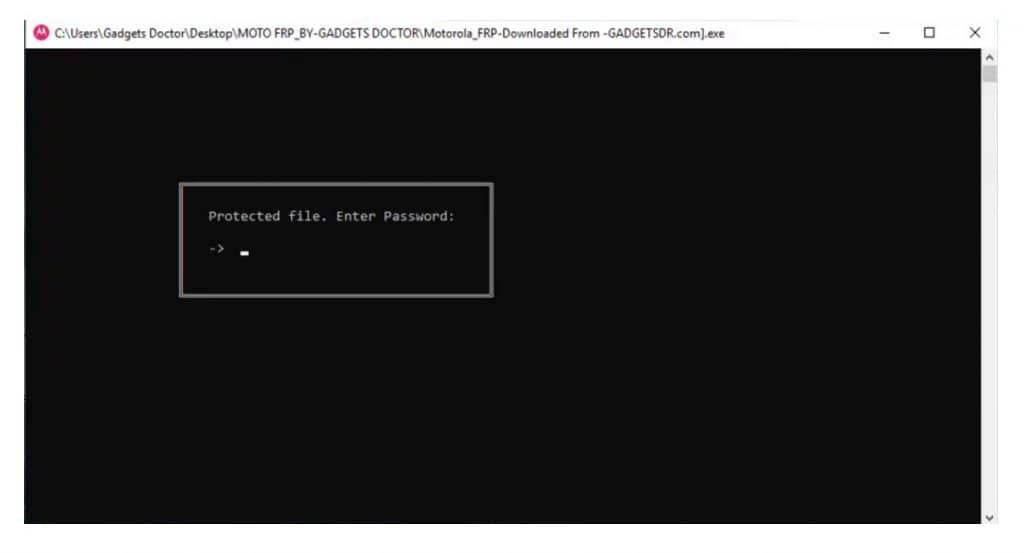
- The tool will successfully open.
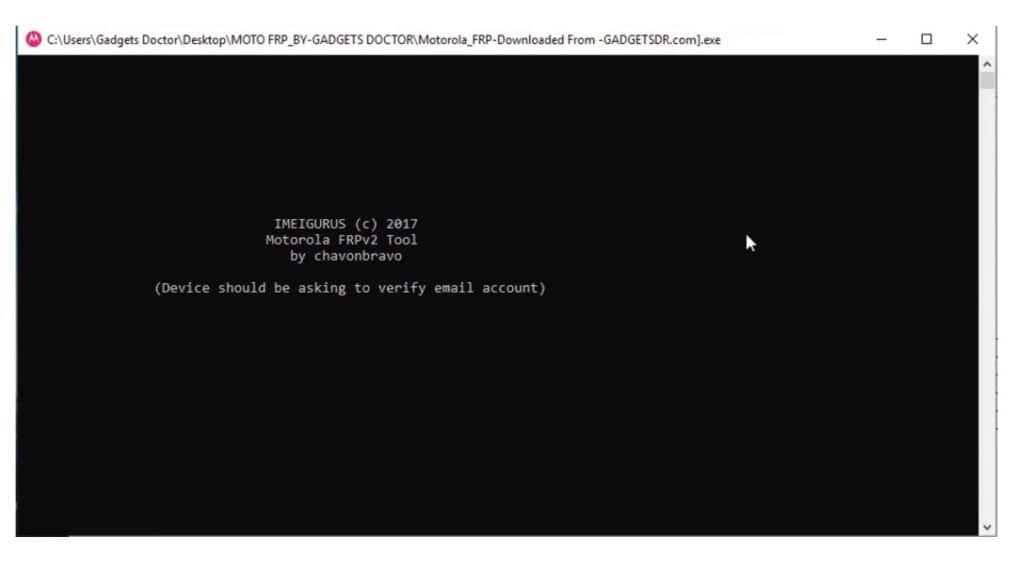
- Power OFF your Moto smartphone.
- Press and hold the Power + Volume down button until fastboot mode appears on your device screen.
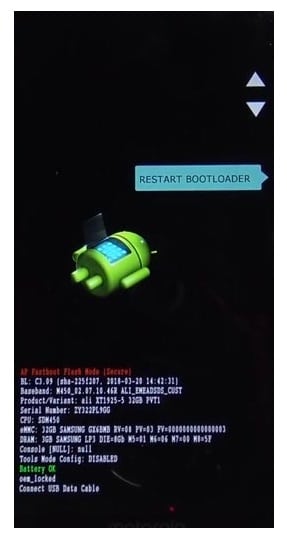
- Connect your device to PC via USB cable. (you can see ADB or Fastboot driver detected under the Device Manager Android Device section on your PC).
- Get back to the Tool.
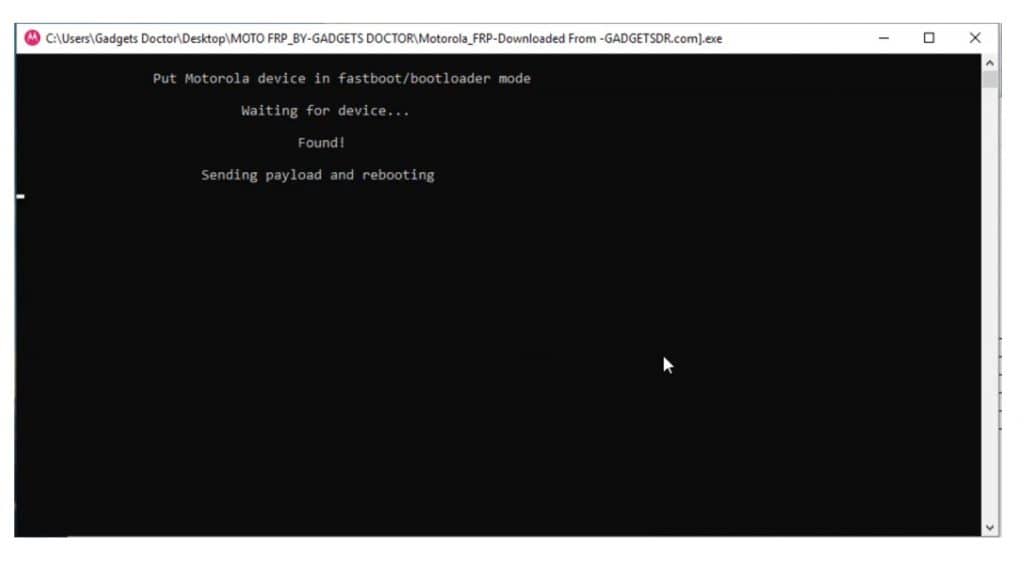
- When your device is successfully connected, it will show you “Waiting for your device”. and your device will restart a couple of times.
- Wait for the Power-ON your Moto phone.
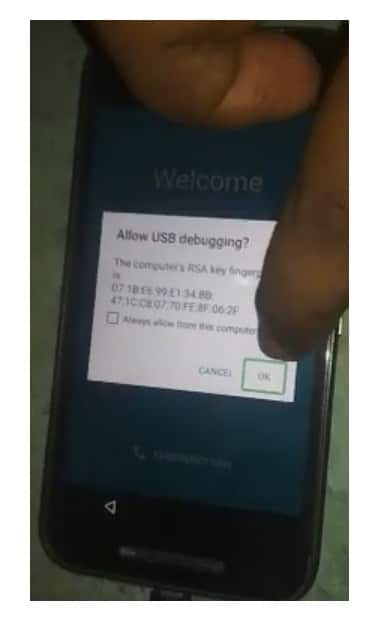
- Then it will show you the “Found” message, and reboot your mobile several times.
- Check on your phone you will get a USB debugging pop-up, tap OK.
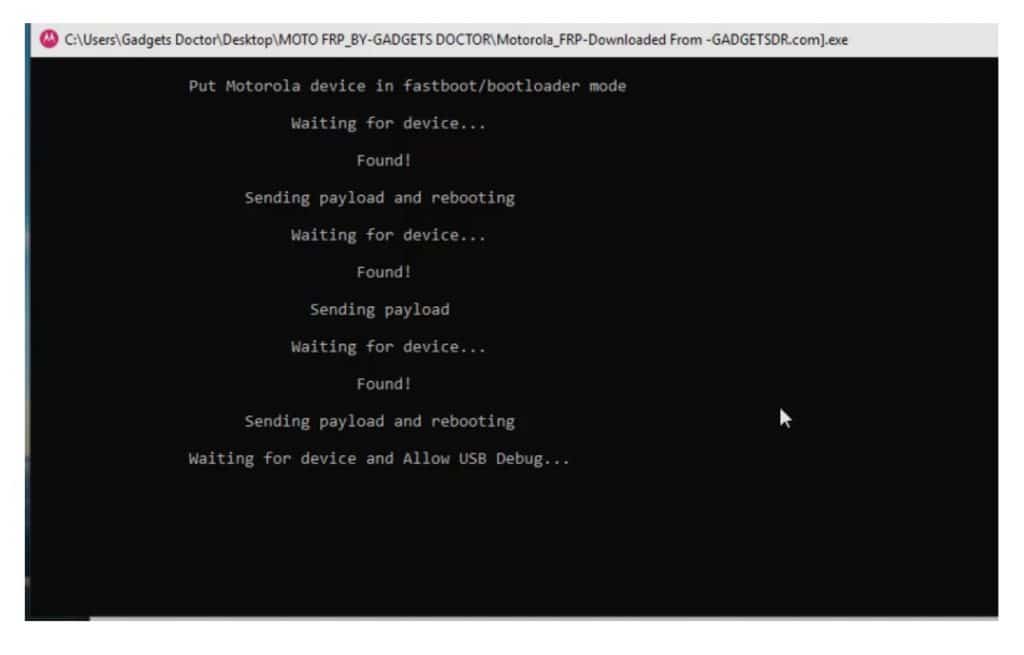
- Now, wait for a few minutes to completely finish.
- Disconnect and Power ON your Moto phone.
- That’s it!
Read More: VG SPD Factory Reset Tool Download Latest [Spreadturm Pattern Unlock]
Notes:
[*] Compatibility: The Moto Tool is fully compatible with all Windows: Vista/ Win 7/ XP/ Win 8/ Win 10 (32bit /64bit)
[*] Install USB Driver: You have to install the required USB driver on your Windows computer Before using the tool to encounter errors while connecting the devices. i.e., Minimal ADB & Fastboot, Moto USB driver.
[*] Virus Scan: You have scanned the tool with Kaspersky Antivirus, before uploading it to our servers.
[*] Backup Data: We personally recommend you take a backup of your Moto phone before using the Tool because Unlocking the FRP will erase all the user data on the phone.
Here, we are near to finish the article. I hope you really enjoyed it and learned How to use Motorola FRP tool to remove FRP lock from your phone.
I am really glad to help you out. Thanks a lot for visiting.

