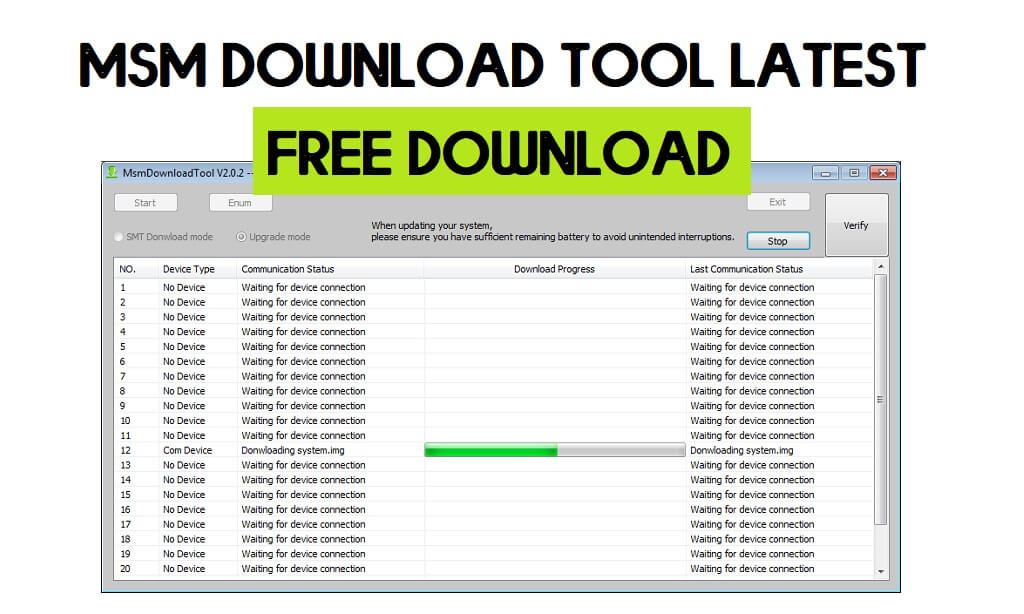
MSM Download Tool is a Windows utility software that enables users to flash stock firmware files on any Oppo, Realme, OnePlus MTK, or Qualcomm phone. Additionally, The flash tool also allows users to remove screen lock, repair to stuck at device logo, upgrade, downgrade, Frp lock in one click.
As we mentioned earlier, MSM Tool is developed only for Oppo, Realme, & OnePlus Android smartphones and tablets to flash Stock firmware or upgrade/downgrade the device easily. In the following topics, We have given the URL to download MSM Download Tool Latest Setup all version 2023 with instructions to use on any computer properly.
What does MSM Download Tool Do?
Nowadays, Most Android users face problems like being Stuck at bootlogo, DRL errors, Slowness, forgotten Pattern Password, and FRP lock with Android smartphones. This mainly happens due to negligence and trying to customize the phones by rooting or flashing custom files & recoveries.
The Factory Reset can fix it temporarily but this is not a permanent solution for this. So, flashing is the only solution to fix the issues permanently. The MSM Download Tool is an after-sales stock firmware flash program for Oppo, Realme, & OnePlus devices to fix the phone within a few minutes easily.
The procedure of using MSM Flash tool is quite simple, all you have to do is run the tool to your PC, then select the OFP stock firmware, Then Click on the Start button, Now Power Off your phone and connect to the computer, that’s it.
Check out: Vivo Flash Tool Latest Version – Flash any Vivo Qualcomm and MTK Phones
Download MSM Download Tool Latest 2023 (All Version)
| File | Link |
| MSM_Tool V3.0 | Download |
| MSM_Tool V4.0.58 | Download |
| MSM_Tool V5.0.15 (Latest) | Download |
| MSM_Tool_v4.0.87 | Download |
| MsmDownloadTool_v4.0 without id Or Password | Download |
| MSM tools V1728.30 MTK Only | Download |
| MsmDownloadTool_v4.0.58_ patched without id (oneplus) | Download |
| MsmTool_1.7.5 | Download |
| MsmTool for RMX3370 | Download |
| MSMTool for RMX3363 | Download |
| MSMRCSMToolV1.2.23 | Download |
| MSMToolMTKV1.2.08 | Download |
| MTK_DownloadTool_V1.1.70 | Download |
| MsmTool_2.0.51 | Download |
| MsmTool_2.0.63 | Download |
| MsmTool_V2.0.67 | Download |
| MQloader_Upgrade_ AfterSale_2.6.0 | Download |
How to use MSM Flash Tool
- Download the flash tool on your computer.

- Make a new folder, then move both downloaded files to the New folder.
- Extract the “MSMDownloadTool.rar” and “MSM Flash Tool.rar” in a same folder.

- Run the PDAnet.exe with Administrator permission and install it on your computer.

- Now Run & install “Codemeter Runtime.exe“.

- Once installation has completed, open Codemeter Control Center.

- On Codemeter Control center Click File ===>>>> Import License.
- Now you have to activate the “Oppo MSM Download Tool” license by import the “License” file in “Codemetercontrolcenter.exe“.

- Browse to the “Oppo All Tool” and select “OPPOMsmDownloadToolNoneLic_2001.WibuCmRaU” file.

- Now you can see License Activated message in Codemeter Control Center.

- Then go back to the “Oppo Download Tool” and run DownloadTool.exe.
- Wait for a few seconds to open the tool.
- That’s it.
- Now download the stock firmware file to your computer & extract it
- After that, copy the MSM Tool to the Stock firmware directory
- Run the Flash tool now
- Power Off and Connect your phone to the PC
- Click on Start
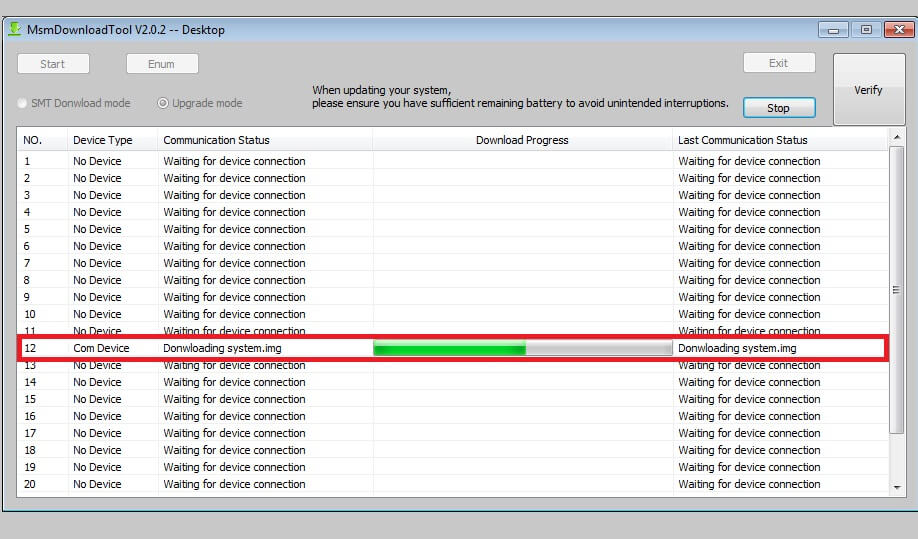
- The Flashing procedure will start.
- Done.
Read More: Oppo Flash Tool Download | 2023 latest free Version (new method)

