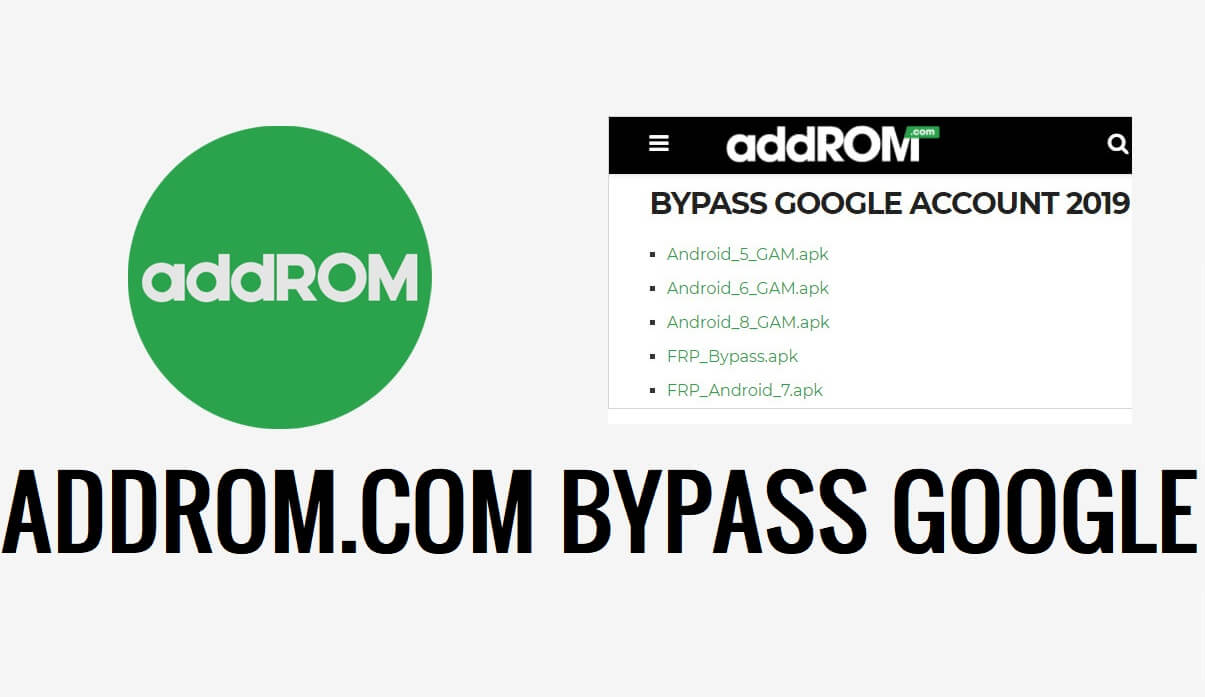
Download Addrom/Bypass Apps to unlock FRP Google account verification screen from all Android 14, 13, 12, 11, and 10, versions. Basically, these useful Apps & shortcuts will enable you to bypass FRP Lock instantly. Also, Here we share a How to Use guide to use these apps properly on your FRP-enabled phone to unlock Google lock.
![Download FRP AddRom Bypass Apk [Bypass Google Account 2023]](https://bypassfrpfiles.com/wp-content/uploads/2023/12/addrom-4.jpg)
| File Name | Addrom.com |
| Type | apk |
| Size | 30Mb |
| Compatible | Android 14, 13, 12, 11, 10, 7 |
Read more: Download BKsmartphone Com FRP Android Bypass – 2023
AddROM.com Quick Shortcuts











All AddROM.com/Bypass FRP Apps Download
You can use addROM.com File on any Android phone running on Android Lollipop 5.0, Marshmallow 6.0, Pie 9.0, Nougat 7.0, Oreo 8.0, 10 Q, Android 11 R, Android 12, and most importantly Android 13 devices.
What is Addrom?
addROM is a useful & reliable application that helps to unlock FRP on all Android devices without using a PC. Basically, It allows users to download all useful Frp Apps & Open apps shortcuts which is very helpful to unlock Google Lock easily.
If you performed factory reset or erase data of the phone then you will need to verify last Google Account used on the phone else it will stuck at Google login screen, If you have forgotten the Google credentials, then it can be helpful, you can use the app or quick shortcuts to unlock your phone.
How to Use:
- Download Addrom.com App from: bypassfrpfiles.com/2023/12/addrom-frp/
![Download FRP AddRom Bypass Apk [Bypass Google Account 2023]](https://bypassfrpfiles.com/wp-content/uploads/2023/12/Addrom-1-1024x592.jpg)
- Go to the Downloads and Install the FRP_.apk by Tap on Next => Install => Done
- Then use Open Apps shortcut to open device Settings
- After that, Go down & Select Security => Admin => Disable Find My Device
- Then Open Apps => Disable Play Services
- Go To Accounts & Sign with any Google ID & Password
- Then Enable Find My Device & Play Services
- Restart your Android phone
- Setup all the initial steps
![Download FRP AddRom Bypass Apk [Bypass Google Account 2023]](https://bypassfrpfiles.com/wp-content/uploads/2023/12/Samsung-Android-11-FRP-3-edited-1024x641.webp)
- You can see Account Added, Which means FRP or Google Account has been successfully bypassed.
- That’s it.
