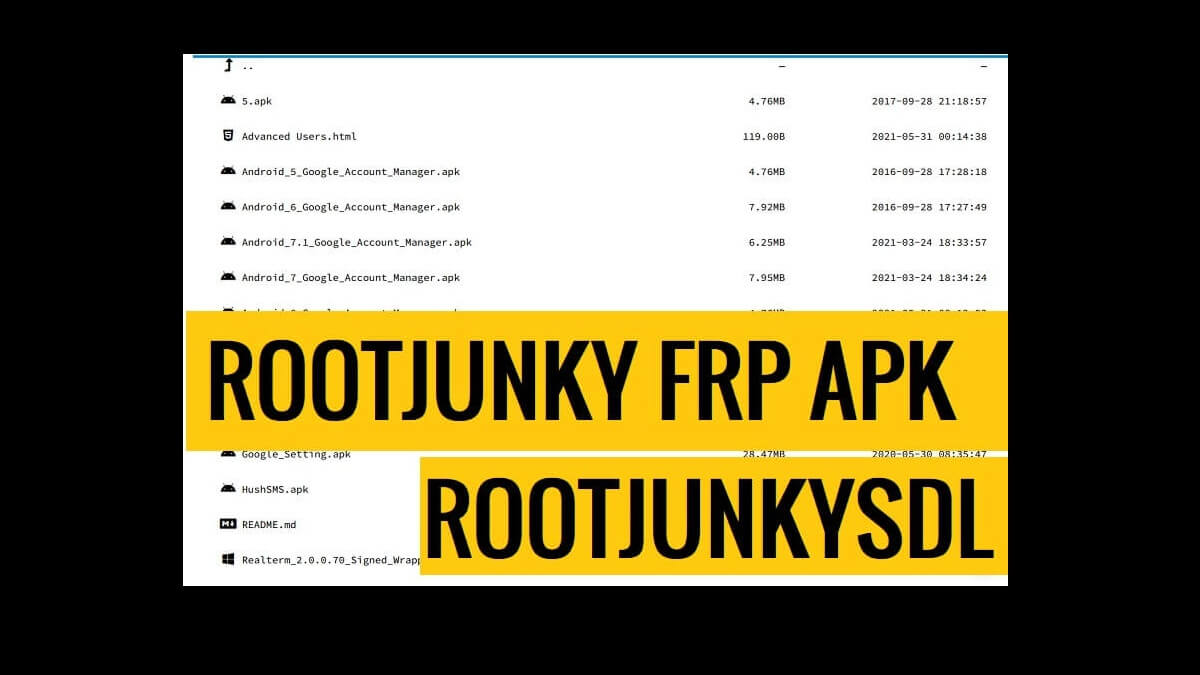
Rootjunky FRP Apk Bypass (RootjunkySDL) let you bypass FRP Google account verification from any Android phone without using a PC. It supports all Android versions along with Android 14, 13, 12 & 11 and helps to Remove the Google Gmail verification lock instantly from your phone.
Contents
hide
On this page, You can use the Rootjunky to bypass any Android phone which runs on Android Lollipop 5.0, Marshmallow 6.0, Pie 9.0, Nougat 7.0, Oreo 8.0, 10 Q, Android 11 R and most importantly Android 12 S devices.
More: How to Realme GT 5 Hard Reset and Factory Reset (Erase Data)
Download FRP Rootjunkysdl Bypass Apk (RootJunky) latest Direct
| Version: | 2.0 |
| Size | 28Mb |
| Operating System: | Android |
| Compatible | Android 5, 6, 7, 8, 9, 10 |
| Category: | Android Application |
Features:
- This application can support any Android mobile version easily
- Specially developed for Android 7.0 devices
- You can use the App to switch the Google account easily.
- This tool is available completely for free
- Last and the least, simple user interface, meaning you can explore the application with just a few clicks.
How to install & Use
- Download FRP RootJunky Apk Bypass
- Go to the Downloads and Install it
- Open Login_Bypass.apk
- Tap the “3 dots” from the top right corner
- Select Browser Sign IN
- Sign with any Google ID & Password
- Restart your Android phone
- That’s it.
Read More: Download FRP Bypass APK Free 2024 | FRP Bypass Tool APK Latest (All Version)
