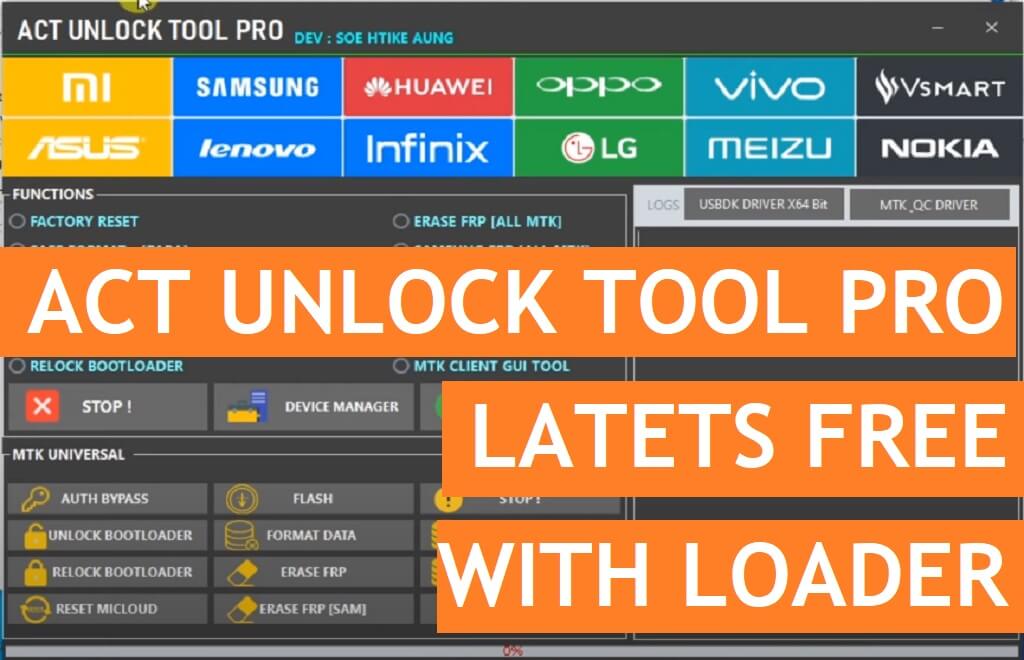
ACT Unlock Tool 4.5 is a simple Universal mobile repair software that supports MTK, and Qualcomm-powered phones and allows users to Erase FRP, Remove Pattern Password Pin, Format, Factory Reset, Erase Vivo Demo mode, unlock Bootloader, unlock Mi lock, bypass SLA DAA, easily through Flash/MTP/USB VCOM/EDL/Qcom modes.
The procedure for using the ACT Universal Android Tool MTK is quite simple, just run the FRP Tool, and connect your device in MTP/Flash/Brom USB Mode, Now Select the desired option you want to use, now it will detect and unlock your phone. But, first, You have to install a proper USB driver on your PC.
So, If you want to feel the premium software for free then download Universal Android MTK Qualcomm ACT Unlock Tool Pro V4.5 Full Free Latest version and follow our instructions to fix the phone.
More: Xiaomi Bootloader Tool | Xiaomi MTK Bootloader Unlock Relock Free Latest (Unofficial)
Download ACT Unlock Tool V4.5 Full Free Latest
Now check the below link to download the latest version of the ACT Unlock Tool v4.5 Full With Loader to your computer for free. It is exclusively available only for the Windows 64bit platform.
File Name: ACTUnlockProV4.5.zip
File Size: 300MB
Type:.exe
Compatible OS: Windows XP (32bit), Windows 7 (32bit & 64bit), Windows 8 (32bit & 64bit), Windows 8.1 (32bit & 64bit), Windows 10, Windows 11 (32bit & 64bit)
Credit: Soe Htike Aung
Download: ACTProToolV3.zip [Setup password: act1] [Activation key: SahirlTecno]
Download V4.5: Click Here
How to Use ACT Unlock
- Download & extract the ACT Unlock Tool Pro setup to your Computer.

- Now Run Setup ACT_Unlock_Tool_Setup.exe as Administrator.
- Wait for a few Sec to open the tool.
- Now install the tool
- Follow the on-screen instructions to completely install the tool on your PC
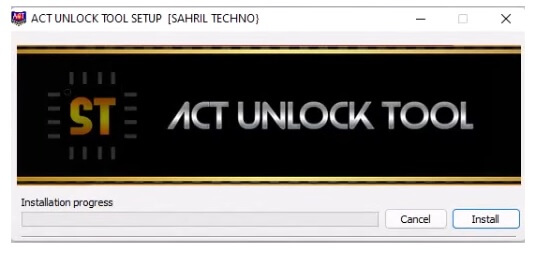
- Click Install
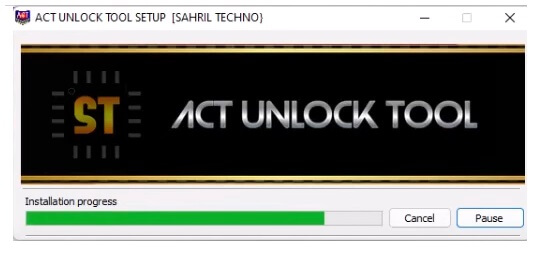
- Then Tap Finish
- Now go back to desktop shortcut
- Run ACT Unlock As Admin
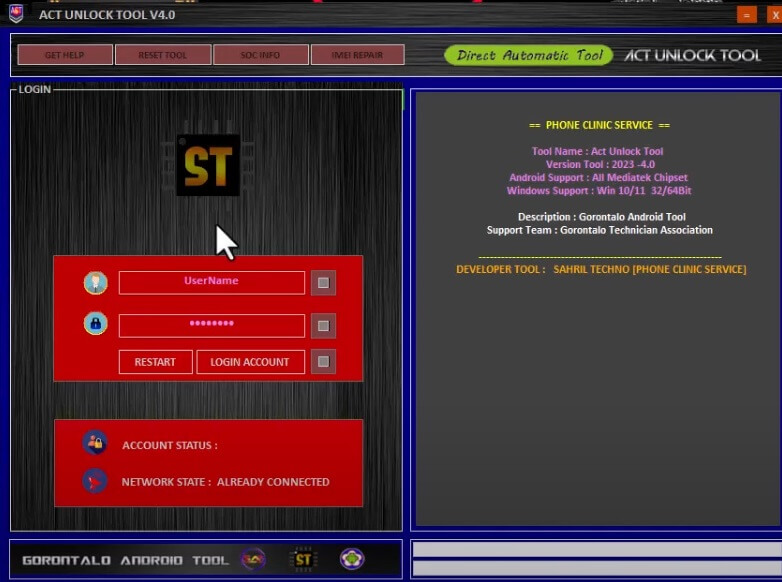
- Now the Tool will open and ask you to register the tool
- Username: SAHRIL TECHNO
- Password: INDONESIA
- The Tool will open on your PC
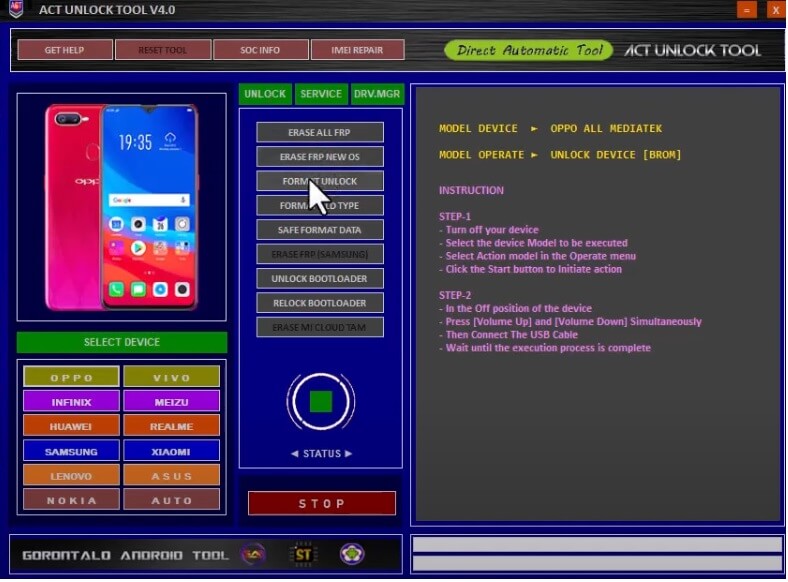
- You will get the below listed option
- Unlock:
- Factory Reset || Erase FRP [All MTK]
- Safe Format- [PARA] || Samsung FRP [All MTK]
- Safe Format – [Misc] || Xiaomi Account Erase
- Authentication Bypass || Vivo Demo Remove
- Unlock Bootloader || Vivo V23e Demo Remove
- Relock Bootloader || MTK Client GUI Tool
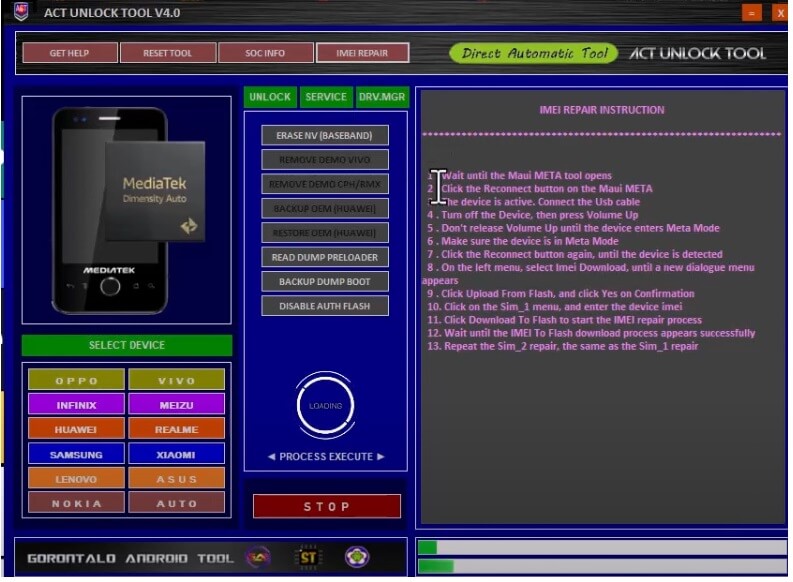
- Service:
- Auth Bypass || Flash || Stop
- Unlock Bootloader || Format Data || Backup NV
- Relock Bootloader || Erase FRP || Erase NV
- Reset MICloud || Erase FRP [SAM] || Restore NV
- USBDK Driver X64 Bit || MTK QC Driver
- Now Power Off your Android Phone
- Put it into the EDL, VCOM, Preloader, Flash, Meta, mode
- Connect your phone to the PC
- Choose the function you want to use on the tool
- That’s it.
Read More: MP Service Module Tools V1.0.3 MediaTek MTK & Qualcomm AIO Tool Free Download

