SPD FRP Tool Fastboot is a specialized software developed by team GD which helps users to Remove FRP locks from all SpreadTurm Android phones in Fastboot Mode. If you have forgotten the last used Gmail account after factory reset, Then follow these simple steps and download the SPD Fastboot FRP Bypass Tool to Remove the FRP lock in Fastboot Mode.
You can use the SPD FRP Tool Fastboot free on any SPD Android phone that runs on Android Lollipop 5.0, Marshmallow 6.0, Pie 9.0, Nougat 7.0, Oreo 8.0, 10 Q, Android 11 and most importantly Android 12 version. It is also compatible with every Windows 7,8,10, 11 (32bit & 64 bit) architecture OS version.
The procedure of using the SPD FRP Tool for PC is quite simple, all you have to do is run the tool on your computer, then connect your phone to the computer in Fastboot Mode and Choose the option you want to use, that’s it.
More: ALL in One FRP Tools Download – New (Android FRP Unlock Tools) 2023
Download SPD Fastboot FRP Tool Latest Version Free
Here, you can easily download the tool from the below link, but if you want to know the FRP unlock process then you can check our FRP Bypass process below.
File Name: Spreadturm_FRP_Tool.zip
Size: 20MB
Download SPD Tool: Spreadturm unlock.rar PASSWORD: BYPASSFRPFILES.COM
Download Android USB driver first, before you try any tools to FRP unlock using your PC.
Device We Tested: Micromax, Zen, lava, Tecno, Hisense, Infinix, phones and all other SPD powered Android devices in Fastboot or Bootloader Mode.
Supported Chipset Model: SPD7730, SPD7731, SPD7731C, SC7731E, SPD7731G, SPD773X, SPD9832E.
- One-Click FRP Remove
- Enter Fastboot Mode
- Enter Recovery Mode
- SPD FRP Unlock
- Factory Reset in Fastboot Mode
- Fastboot Mode FRP
- Check device model in Fastboot Mode
- Lenovo FRP
- Micromax FRP
- Many more.
Compatible OS: Windows XP, Windows 7, Windows 8, Windows 8.1, Windows 10.
How to Use SPD Fastboot FRP Bypass Tool
- Firstly, download & extract the SPD FRP tool.
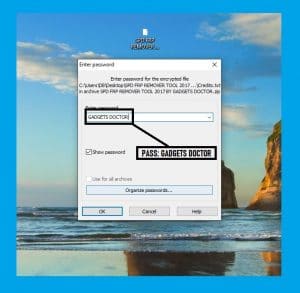
- Run “Setup.exe” and install it.
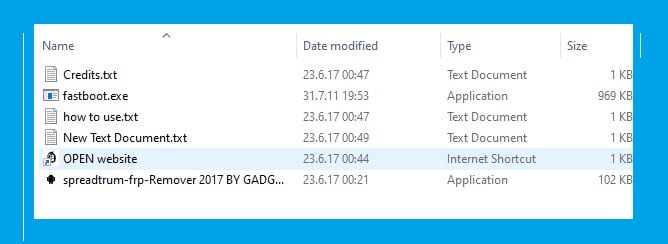
- Once it opened.
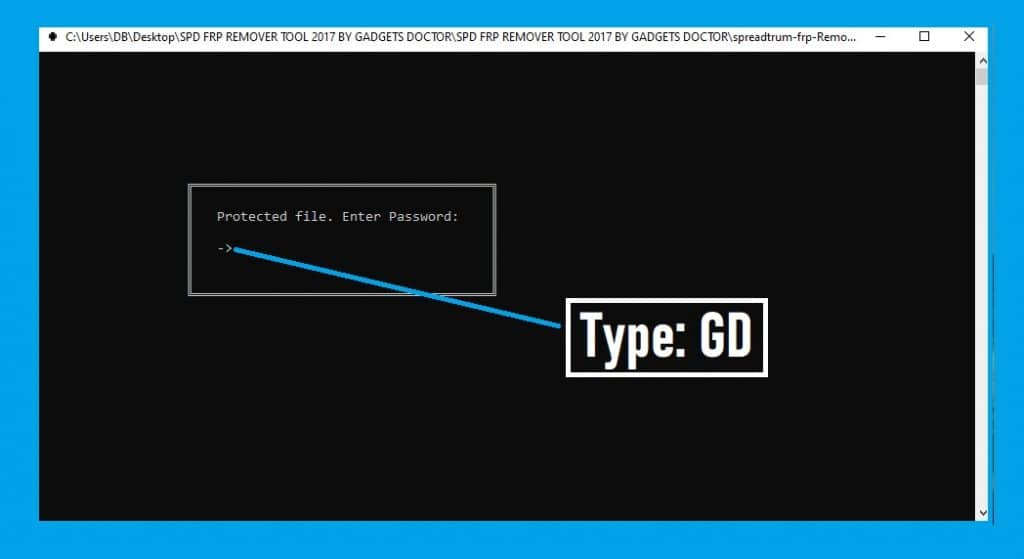
- It will ask you a password, type: GD.
- Now Power Off and put your device into the Bootloader Mode.
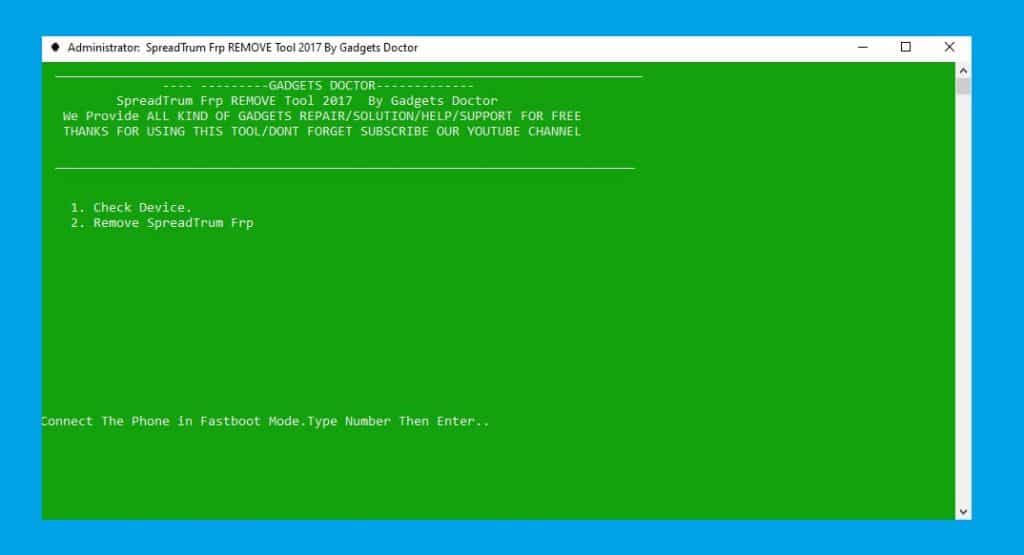
Note: You can search on Google how to put your device properly on your PC.
- Install SPD USB Driver first.
- Go back to the tool.
- Press 2 to select Remove Spreadturm FRP.
- Wait for a few seconds to complete.
- Now choose Restart to Normal to boot your device in Normal Mode.
- This is How you can use this Spreadturm FRP Bypass tool on your PC.
Also Check: Download FRP Tools
I am really glad to help you out. Thanks a lot for visiting.

