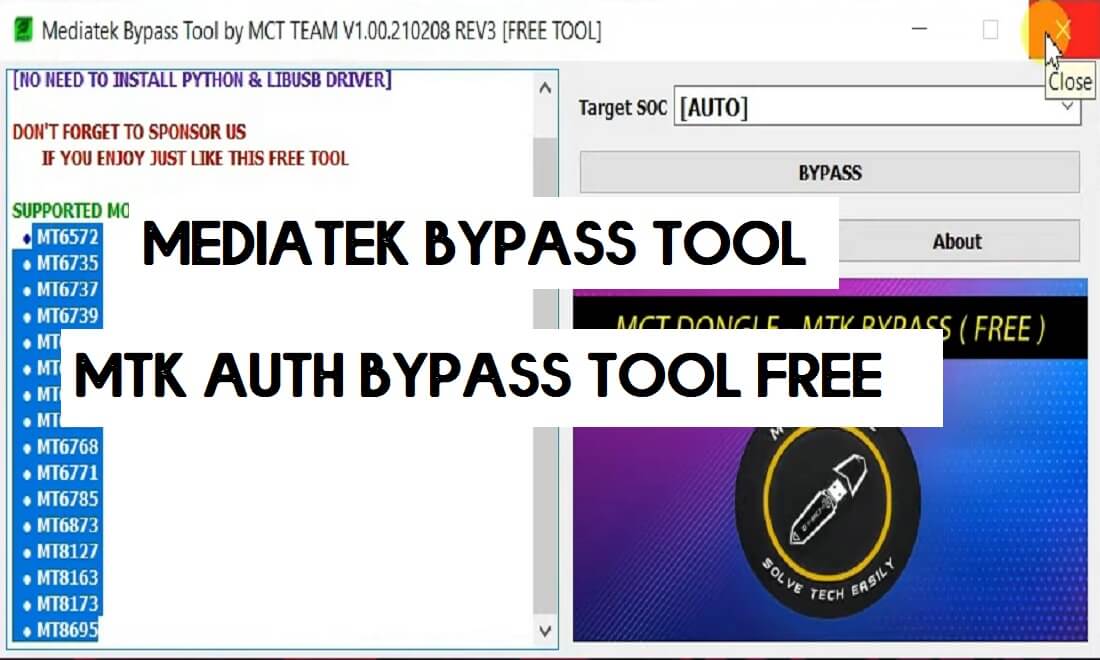
MCT MediaTek MTK Bypass Tool is a free simple program developed by MCT team that helps users to Bypass AUTH protection from many new MTK chipset-powered Android phones quite easily. You can use the tool on MTK MT6735, MT6737, MT6739, MT6750, MT6765, MT6771, MT6785, MT8127, MT8163, MT8173 chipset powered Android phones. So, follow these simple steps and download MediaTek MTK Auth Bypass Tool V4, to bypass the USB protection for flash, unlock the FRP pattern lock from your phone by SP Flash Tool.
Nowadays, Every Android smartphone coming with USB protection to avoid third-party flashing and misuse of the device. You won’t be able to flash or unlock your phone without any authorized tool or permission. So, in this scenario, the MediaTek Auth Bypass tool can help you to bypass the auth security from your phone.
MTK Auth Bypass Tool helps to detect any Oppo, Vivo, Tecno, Xiaomi Redmi, Infinix, MTK based smartphones into the SP flash tool, Miracle Box, UMT, MRT, MCT, CM2 Dongle for Flashing, Unlocking, and Repairing the phone. It is comes with an auto-installer package and supports windows 10, Windows 8, Windows 8.1, Windows 7, Windows XP (32 & 64bit) architecture.
Disable the Antivirus Protection first, otherwise, you won’t be able to use the MediaTek Bypass Tool
More: Xiaomi Redmi 6 FRP File (Unlock Google) No Need Auth [MIUI 12] -2021
Download MCT MediaTek Bypass Tool v4 latest Version
Here, you will get a direct download link to download the MCT Bypass Tool V4 easily, Also, Don’t forget to install the LibUSB/Filter MTK USB Driver on your computer.
File Name: MTK AUTH BYPASS Tool V4.zip
Size: 24MB
Type: .exe
Compatible OS: Windows 7, Windows 8, Windows 10 with 32&64bit
Developer: MCT Team
Download: MTK No Auth tool (Mega)
Supported Mediatek SOC's:
MT6735,  MT6737, MT6739,
MT6750, MT6765,
MT6771, MT6785,
MT8127, MT8163,
MT8173,  MT8695,
MT6572, MT6768,
MT6873, MT6261,
MT6572, MT6735,
MT6737, MT6739,
MT6755, MT6757,
MT6761, MT6763,
MT6765, MT6768,
MT6771, MT6785,
MT6799,  MT6873,
MT8127, MT8163,
MT8173, MT8695,
MT6580, MT6582.
How to use MCT MTK AUTH Bypass Tool Rev4
- Download & Unzip the MediaTek Bypass tool to your computer.
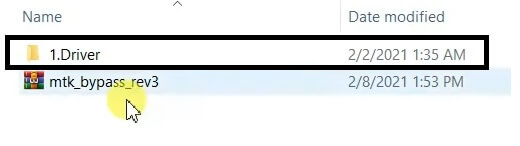
- Open MTK Driver folder
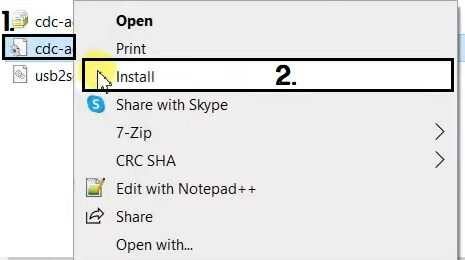
- Right Click on CDC-ACM and Tap install
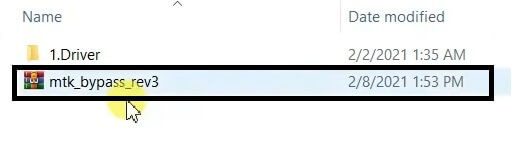
- Now extract MTKBypass.zip

- Run MTKbypassv4.exe
- Install LibUSB Win32 driver to your computer (Skip this if already completed)
- Now Power Off your phone
- Press Volume Up And Power and Insert a USB cable
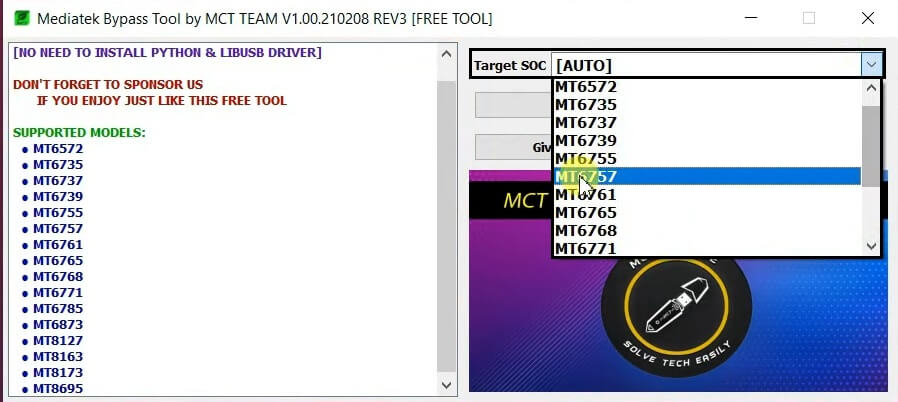
- Select Target SOC
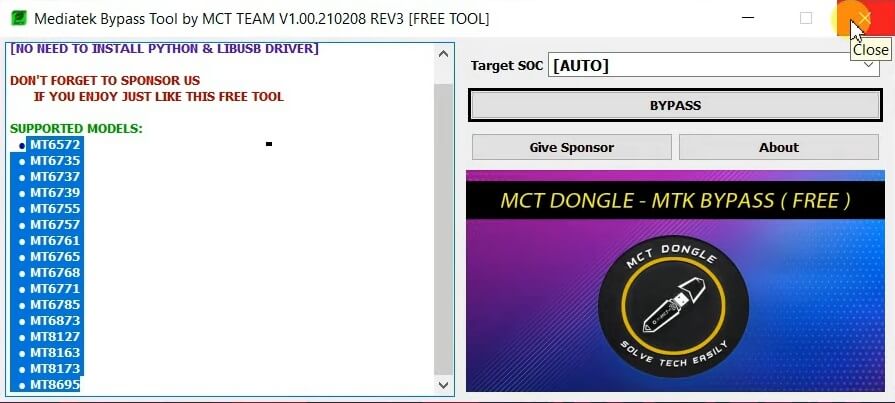
- Click Bypass
- That’s it.
- It will bypass the Auth Security from your phone.
- Now you can use any unlock tool like SP Flash Tool, Miracle Box, UMT, CM2 to unlock your phone.
Read More: Download MTK FRP Tool | New MediaTek FRP Bypass Tool

