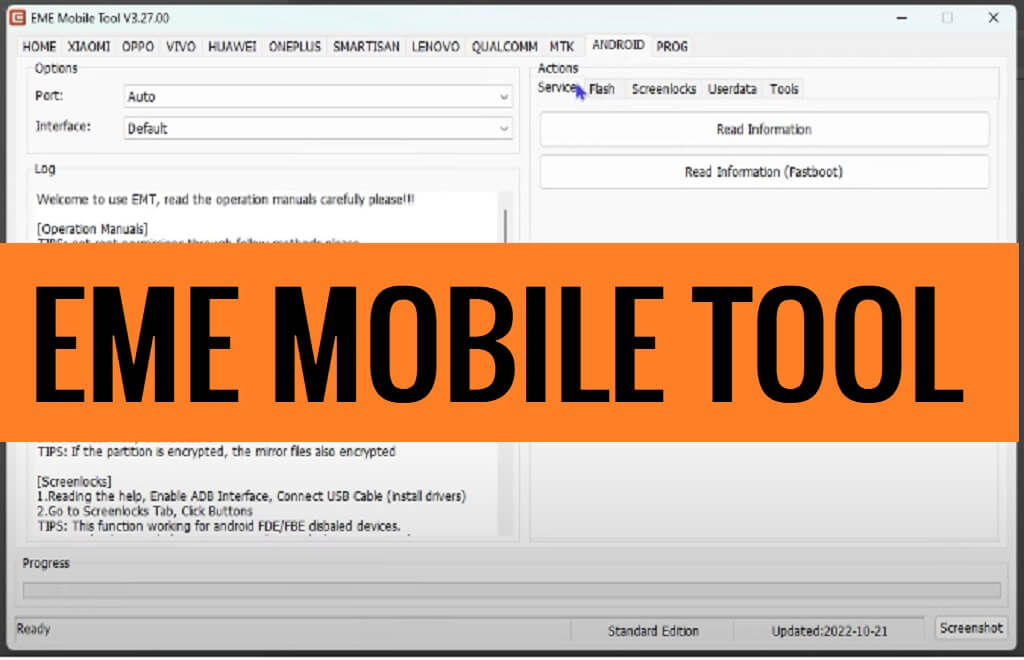
EMT Tool helps Android users to erase FRP, Unlock Bootloader, Flash firmware, IMEI repair, Format (Unlock), Remove Pattern Password Pin, Format, KG lock Bypass, MDM Remove, Xiaomi Remove MI Account, Write RPMB, install Custom roms, etc easily.
Download EMT (EME Mobile Tool) Latest Version Setup
Download the latest version of the EME Tool V3.36.00 from here. It is a completely free tool you no need activate or credit in-order to use the tool with your phone.
File Name: EMEV3.36.00.rar
File Size: 450MB
Type:.exe
Compatible OS: Windows XP (32bit), Windows 7 (32bit & 64bit), Windows 8 (32bit & 64bit), Windows 8.1 (32bit & 64bit), Windows 10, Windows 11 (32bit & 64bit)
Credit: EMETeam
Download: EME_Tool.zip (New) [Password: Bypassfrpfiles.com]
What is EME Mobile Tool EMT ?
EMT Tool is a premium and simple Windows Chinese multi-mobile repair program also known as EME Mobile Tool which especially designed to Remove FRP, Factory Reset, Flash Firmware, Repair IMEI, and Unlock Pattern Password Pin lock from any Android phone in a few seconds.
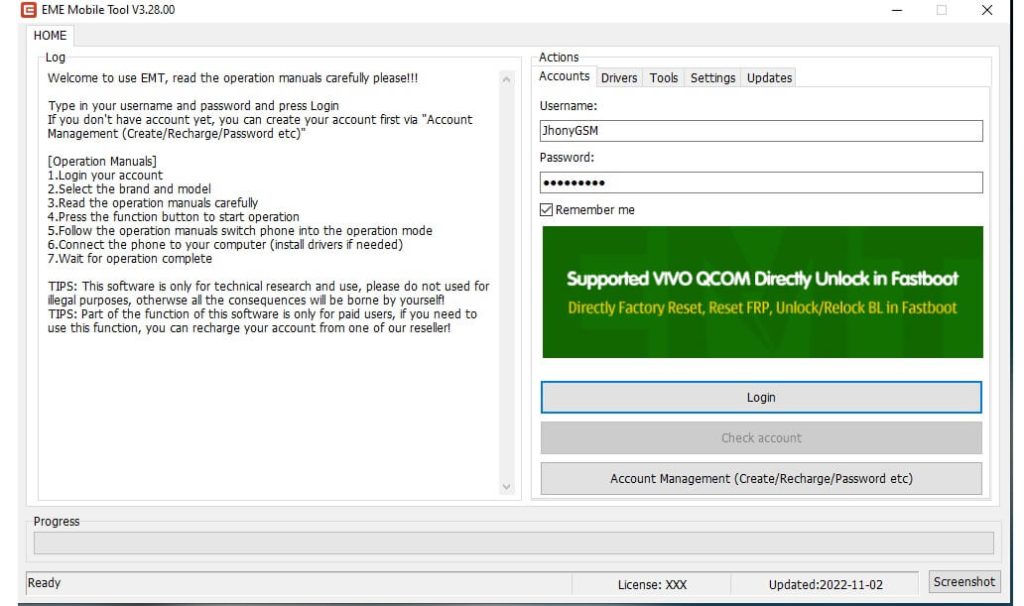
Since It is a premium program, you must purchase the activation before using the tool on a computer. However, If you are a GSM technician and want a quick and cost-effective solution to unlock any Android phone, EME Tool V3.36.00 Setup can be a great choice.
You can use the Tool on any Android phones including Huawei, Xiaomi, Vivo, Oppo, Realme, Poco, Redmi, MI, Asus Zenfone, Vsmart, Lenovo, Nokia, ZTE, Mobistar, FPT, Asanzo, Tecno, Invens, LG, Samsung, ITEL with Android 5 to Android 12 powered phones quite easily.
The procedure of using the Tool is quite easy, all you have to do is, run the Tool, then put your device in ADB/Download/Meta/EDL mode and connect to the computer, and click on Reset FRP/Unlock, That’s it.
What’s new:
- Updated to the latest version 3.36.00.
- Added OPPO/ONEPLUS module Qualcomm 8GEN2, 782G skip auth.
- Added OPPO/VIVO “Reset ID (ADB)” function.
- Added VIVO “Disable APP lock (ADB)” function.
- Added “Reset ID (ADB)” function
- Improved “Reset FRP” functions.
- Fixed bugs.
Read More: UnlockTool Latest Setup Version Free Download | All Android FRP, Factory Reset Tool
How to install EMT
- Download EME Mobile V3.36.00 setup to your computer.

- Run EMEV3.36.00.exe as administrator.
- Now installation window will open.
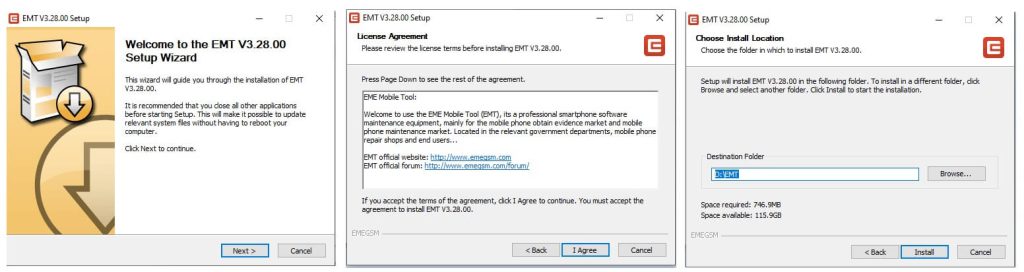
- Tap on Next =>> I Agree =>> Install.
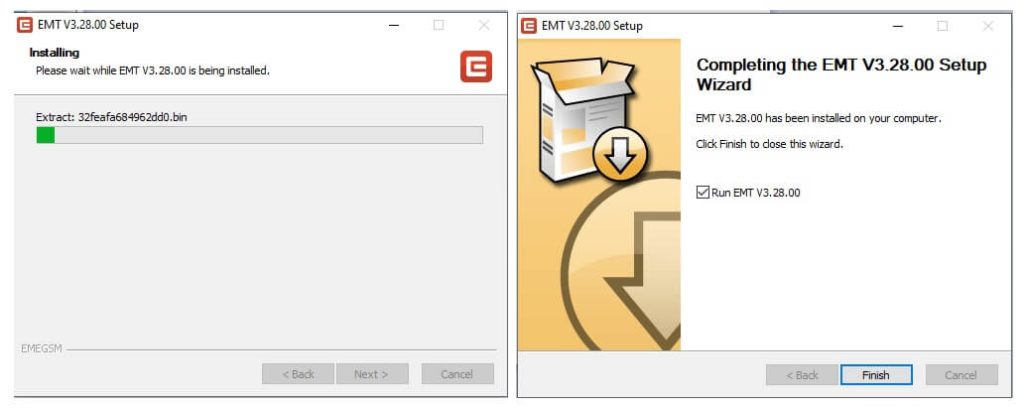
- The installation process will be started.
- Wait for finish.
- Tap Finish.
- If you have account, use Login.
- Else, Register your account there.
- Now type your EMAIL ID, PASSWORD, NAME, PHONE NUMBER in the Register field.
- Then click Register.
- Wait for Activate the tool.
- Once Activated, go to login window, and click on Login.
- Now you can use the tool on your computer.
How to use EMT Tool
- Go to your Desktop screen and run EME V3.36.00 as Admin.
- Select the Brand & Model.
- Read the Operation Manual carefully.
- Press the function button to start the operation.
- Follow the operation manuals switch phone into the operation mode.
- Connect phone to your computer.
- Wait for operation complete.
- You can use the below listed functions.
- Home
- Account.
- Drivers.
- Install ADB/Fastboot Drivers.
- Install Qualcomm HS-QSB Qdloader Driver.
- MTK Preloader Vcom Driver Install.
- Tools
- Microsoft Visual C++ Runtime Library.
- Install USBDK Runtime Libraries.
- Install LIBUSB Filter.
- Settings
- Updates
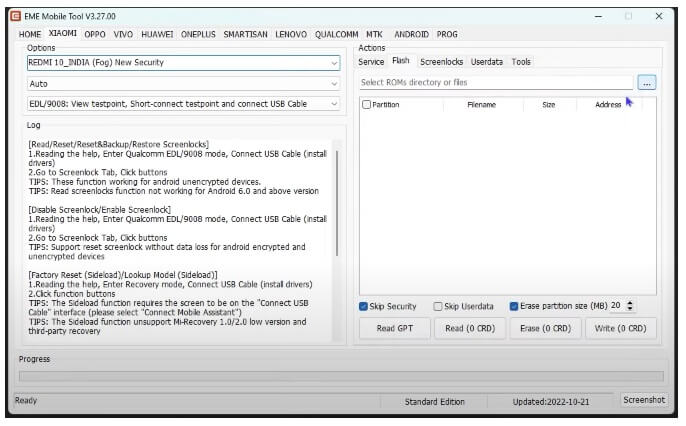
- Xiaomi
- Service
- Read info || Reboot || Factory Reset.
- Reset ID || Disable OTA Updates .
- FRP Reset.
- Unlock Bootloader || Relock Bootloader.
- Flash
- Read GTP || Read || Erase || Write.
- Skip Security || Skip userdata || Erase Partition Size.
- Screen Locks
- Read Screen Locks.
- Reset Screenlocks.
- Read/Backup.
- Restore/Disable/Enable Screenlocks.
- Userdata
- Read Userdata.
- Tools
- Userdata Browser.
- View Testpoint.
- View Device Information.
- Partition File Manager.
- Reboot to Normal Mode.
- Lockup Mode (Sideload).
- Service
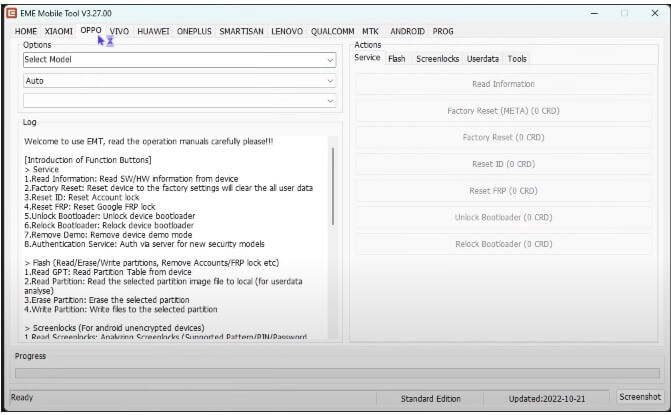
- Oppo
- Service
- Read info || Reboot || Factory Reset.
- Reset ID || Disable OTA Updates.
- FRP Reset .
- Unlock Bootloader || Relock Bootloader.
- Flash
- Read GTP || Read || Erase || Write.
- Skip Security || Skip userdata || Erase Partition Size.
- Screen Locks
- Read Screen Locks.
- Reset Screenlocks.
- Read/Backup.
- Restore/Disable/Enable Screenlocks.
- Userdata
- Read Userdata.
- Tools
- Userdata Browser.
- View Testpoint.
- View Device Information.
- Partition File Manager.
- Reboot to Normal Mode.
- Lockup Mode (Sideload).
- Service
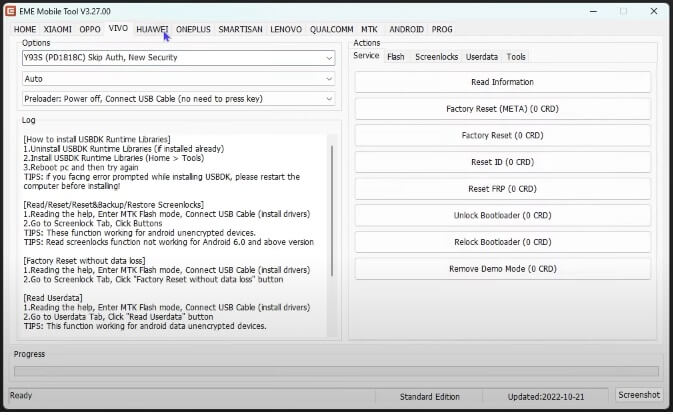
- Vivo
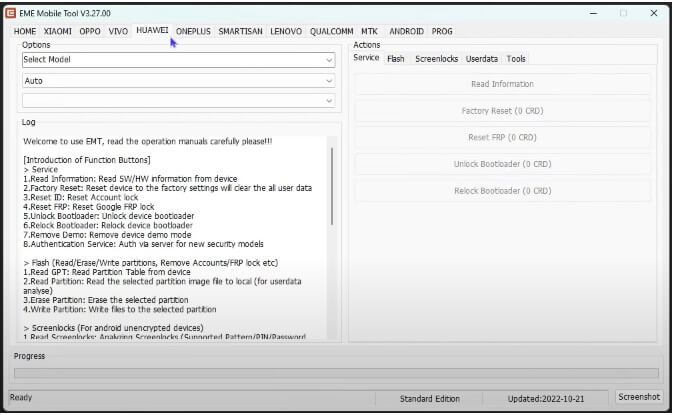
- Huawei
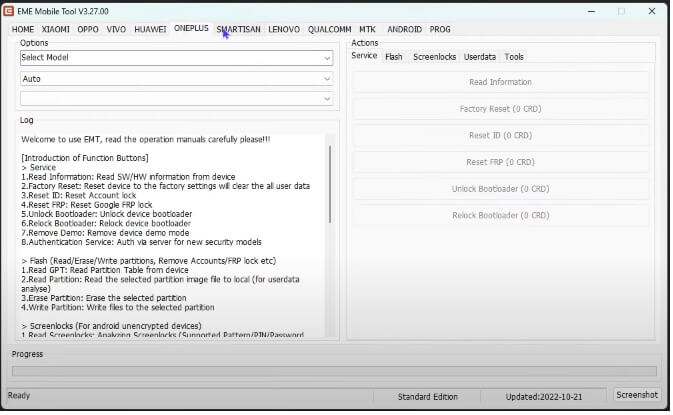
- OnePlus
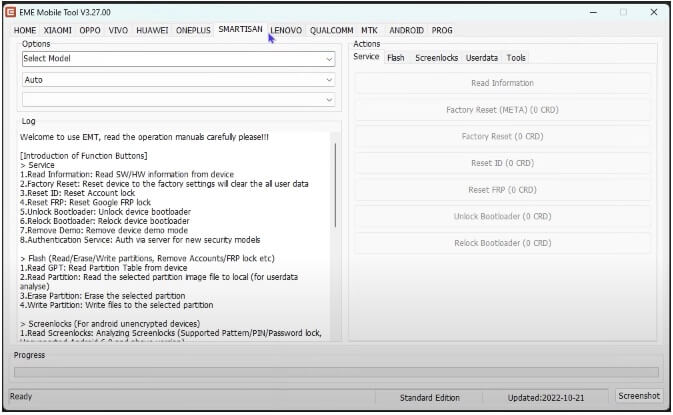
- Smartisan
- Lenovo
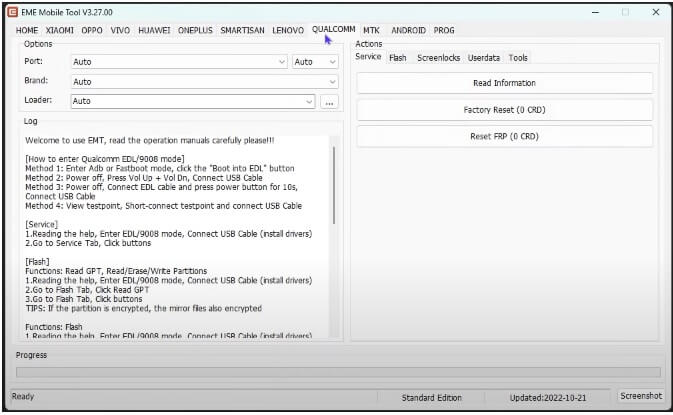
- Qualcomm
- MTK.
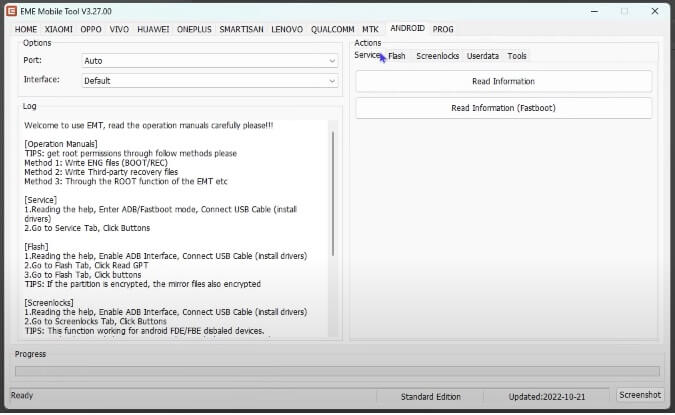
- Android.
- Prog.
- That’s it.
Read More: MobileSea Service Tool (MST) V6.1.0 Download Latest Version Free

