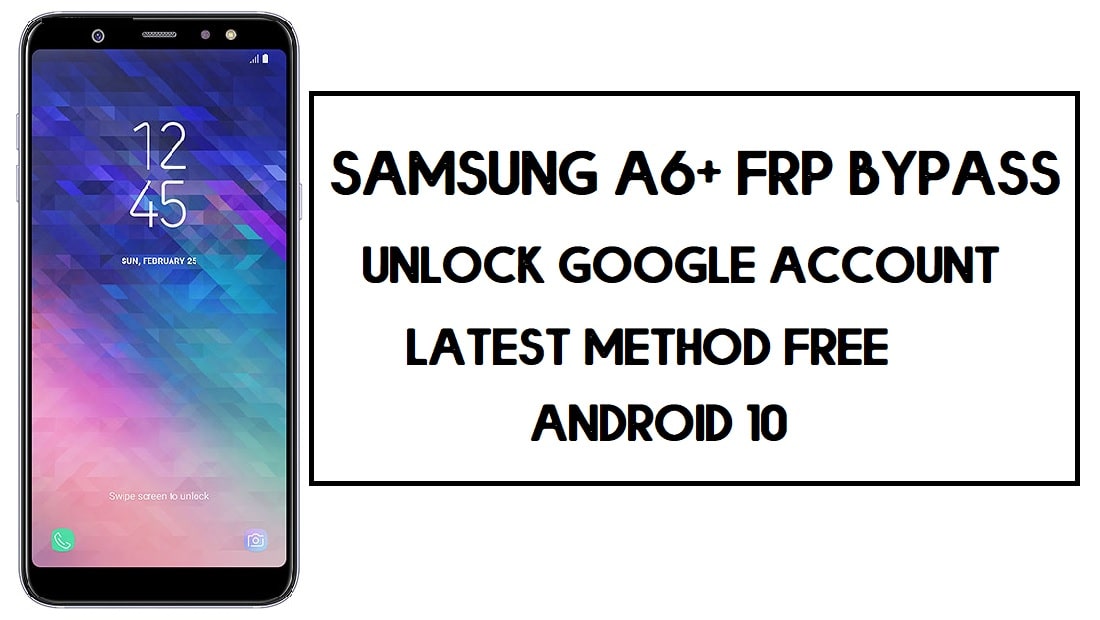
FRP is the additional privacy protection feature for all modern-day Android smartphones, It protects phones from unauthorized access. After performing factory reset, If you forget the last active Gmail account which was used on your phone, then, you have to find a solution to unlock your phone. Here, more especially, I share a detailed process to Samsung A6 FRP Bypass | How to Unlock Samsung Google Verification – Android 10 (2020) successfully. So, follow the below process carefully.
Google has added the FRP feature on the latest Android versions (Lollipop 5.0, Marshmallow 6.0, Nougat 7.0, Oreo 8.0, Pie 9.0, 10 Q ). The abbreviation of factory reset protection is FRP and it basically protects Android users’ personal data and Privacy during thefts.
Once FRP is activated then it prevents any users to use the phone after the factory reset. However, FRP has turned On automatically when a user added a Gmail account on his phone for the very first time.
After performing a factory data reset, you have to log in with the same Google ID and password that you set up earlier on the device. In case, if your Samsung A6 stuck at the FRP lock verification screen, Then BYPASSFRPFILES.COM will give you an extraordinary way to bypass google account lock from your device.
The Samsung A6 FRP Unlock process is now available for free from here, Also you can use any compatible FRP bypass tool apk according to your phone to unlock FRP easily, and here I share the latest FRP Bypass process to bypass FRP lock from your device.
How To Disable FRP (Factory Reset Protection)
If you want to disable the FRP lock feature from your Samsung A6 then you need to delete the Gmail Account from the device Settings. follow the below process completely to disable the Factory Reset Protection successfully: go to the settings menu=>> Accounts=>> select the Gmail id =>> remove account =>> that’s it.
Read: Samsung J7 Nxt FRP Bypass| Unlock (SM-J701) Google Lock (Android 9) 2020
Samsung A6 Specifications
Samsung A6 released in 2018. It comes with 3/4GB of RAM and 32/64GB of ROM storage. The display of the Samsung A6 comes with 5.6inchs with a resolution of 720 x 1480pixels. Samsung A6 runs on Exynos 7870 Octa (14 nm) chipset and powered by a 3000mAh nonremovable battery and this device has a 16MP rear and 16mp of single front camera.
Bypass FRP Files not responsible for any damage on your device please try this at your own risk.
Prerequisites
Before you start with this process you need to fulfill all the prerequisite criteria to unlock FRP Samsung A6.
- Your device must have 50-60% of the battery charge before performing the FRP process.
- Check your device model number first.
- Most important follow the below guide properly.
How to Bypass FRP Samsung Galaxy A6
- First, Power ON your Samsung Galaxy A6.
- Connect your Samsung A6 to a working wifi connection.

- Go to the Google Account verification screen.
- Click on gear (Settings) icon.
- Tap Keyboard layout & feedback.

- Select Key-tap feedback.

- Tap Sound & Vibration => Ringtone => Sim 1=> tap “+” sign => Search.

- Tap on a MIC icon a few times and insert a PIN-enabled SIM card.
- Remove the SIM card.
- Swipe the screen and click the lock icon at the same time.

- Now swipe the “Not Signed In” Notification and then click on the Settings icon.
- Select Media from the Notification bar.

- After clicking the Media option it will slow your device for a few minutes.
- Click on the SmartThings icon.

- Then update the Galaxy Store.
- Once updated it will redirect you to the Google Account Verification screen page again.
- Again follow the above process to get the Notification Bar.

- Tap on Media again => Tap Galaxy Store icon.
- Now you can access the SmartThings.

- Search and install Samsung Smart Switch and Open it on your phone.

- Now you need another smartphone to switch your Google Account.
- On the 2nd phone goto => Settings =>> Accounts & Backup =>> Smart Switch. (if it Samsung phone)
- Download Smart Switch. (If you are using any other Android phone)
- Open Smart Switch on both phones.
- Tap Allow.
- On the 2nd phone, click Send.

- Connect USB Cable both devices (use OTG to connect both phones).

- On the FRP lock phone, Click Allow=>> Choose What to bring =>> Select Settings and Home Screen =>> Click Transfer.

- Now on the other phone click Copy=>> It will transfer your account to the FRP lock phone.

- On the FRP lock phone, a popup will open, type the GMAIL Password =>> Sign in.

- Wait for complete copying your stuff.
- Once completed, click GO TO Home Screen.
- Restart & Setup your Samsung phone.
- That’s it.
This is the simplest way to Samsung A6 FRP Bypass | Unlock Google Account – Without PC (Android 10).
Also Read: Samsung FRP Tool (2020) download – Bypass FRP from all Samsung
If you still stuck between some steps or could not understand anything relating to this topic, you can let me know in the comment section below. Thanks for visiting.

